
What is Online Alarm Kur?
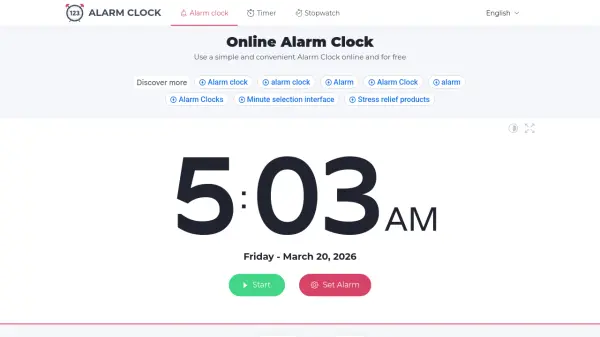
Online Alarm Kur provides a straightforward solution for setting alarms directly in a web browser without requiring any downloads or installations. Users can select specific times or use preset options, choose from multiple alarm sounds including traditional options like clocks and bells to more unique ones like aliens or bombs, and assign custom titles to their alarms for better organization.
The tool operates by keeping the browser tab open, with alarms triggering at the set time even if the internet connection is lost after setup. It includes features like a countdown timer, full-screen mode, dark screen option for minimal distraction, and settings to adjust volume, snooze duration, and display preferences. Users can manage multiple alarms by opening new tabs and track their alarm history with export capabilities.
Features
- Customizable Alarms: Set specific times with hour and minute selection or use preset time options
- Multiple Alarm Sounds: Choose from various sounds including Clock, Bell, Rooster, Siren, Nuclear, Call to Prayer, Aliens, Rain, Bomb, Mystic, White Noise
- Alarm History: Track past alarms with options to export to CSV or clear history
- Countdown Timer: Displays time remaining until alarm with full-screen and dark mode viewing options
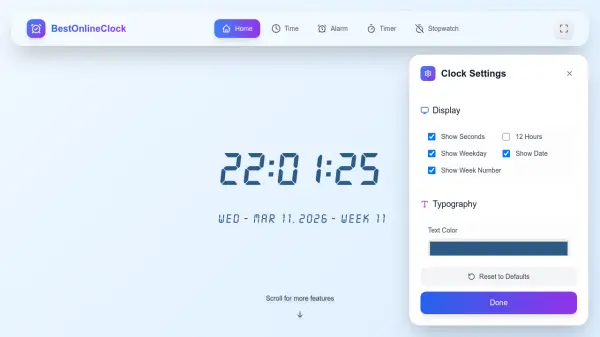
- Adjustable Settings: Customize alarm volume, snooze duration, repeat alarm functionality, and display preferences
Use Cases
- Waking up at specific times in the morning
- Setting reminders for daily tasks or appointments
- Timing work sessions or study intervals
- Creating alerts for medication schedules
- Using as a simple timer for cooking or exercises
FAQs
-
Does the alarm work if I close the browser tab?
No, the alarm will not work if you close the browser tab. However, the tab does not need to be active; you can use other tabs while keeping it open. -
Will the alarm work if my computer is in sleep mode?
No, the alarm will not work if your computer is in sleep mode. It will continue to work only if the screen is off, but not if the system is asleep or the laptop lid is closed. -
Do I need an internet connection for the alarm to work?
An internet connection is required to load the page and set the alarm. Once set, the alarm will trigger at the scheduled time even if the internet connection is lost. -
How can I adjust the alarm volume?
You can adjust the alarm volume by clicking the settings icon in the top right corner and modifying the alarm sound level slider. -
Can I set multiple alarms at once?
Yes, you can set multiple alarms by opening new browser tabs and repeating the setup steps for each alarm.