

What is OhMyWallpaper?
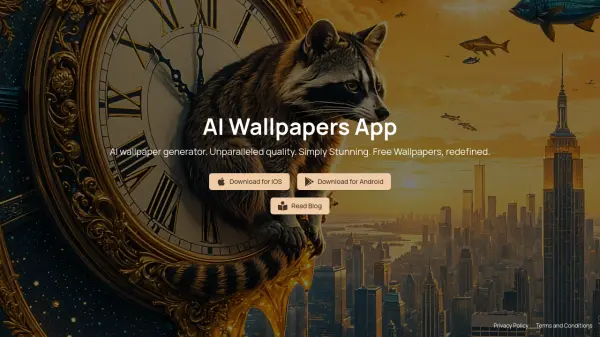
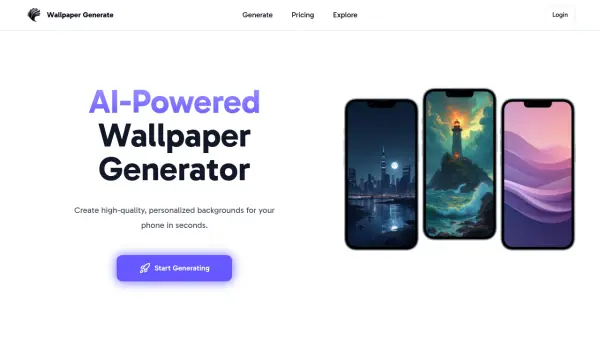
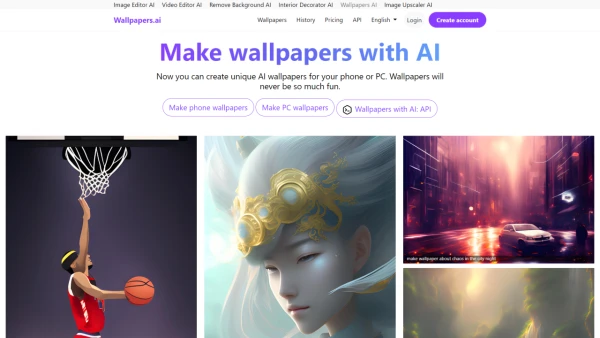
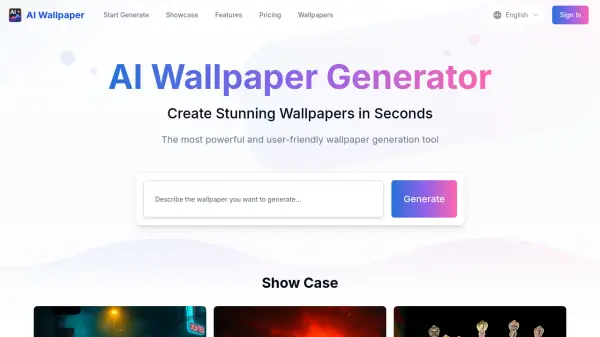
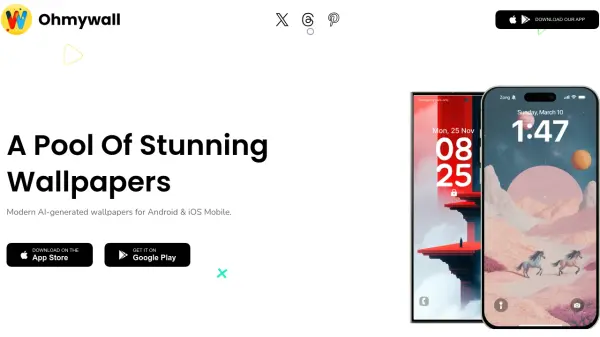
OhMyWallpaper is a mobile application providing users with a diverse and exclusive collection of AI-generated wallpapers. The app offers a wide range of themes, including nature, landscapes, abstract art, and minimalist designs, ensuring a wallpaper for every preference.
With OhMyWallpaper, users can experience stunning live, 3D, and 4D wallpapers, bringing a dynamic and visually engaging experience to their device's lock and home screens. The application provides convenient navigation and customization options for a personalized experience.
Features
- Extensive Collection: A wide range of themes, including nature, landscapes, abstract art, minimalist designs, and more.
- Live and 3D Wallpapers: Stunning live and 3D wallpapers that bring your lock screen and home screen to life.
- 4D Wallpaper: Experience innovative 4D wallpapers that transform your screen with stunning visual effects.
- Animated Wallpaper: Animated wallpaper gives strong visual, user-friendly interfaces, and diverse themes for the screen.
- Customization Features: Customize your mobile screen with hassle-free options for a personalized experience.
Use Cases
- Personalizing mobile device home screens
- Customizing lock screen backgrounds
- Finding unique and visually appealing wallpapers
- Enhancing the visual experience of mobile devices