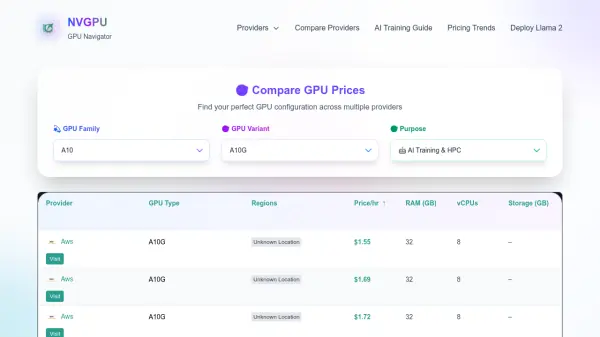
What is NVGPU?
NVGPU is a specialized platform designed to assist users in navigating the complex landscape of GPU options for AI and deep learning workloads. It leverages artificial intelligence to provide comprehensive comparisons of GPU prices across various cloud providers, enabling informed decision-making for cost-effective configurations.
The platform offers up-to-date guides and insights on GPU trends, optimization tips, and expert recommendations. Users can access resources such as comparisons of cloud GPU providers, guides on selecting the best GPUs for different budgets, and analyses of pricing trends to stay ahead in the rapidly evolving AI technology space.
Features
- GPU Price Comparison: Compare GPU prices across multiple cloud providers like AWS, Google Cloud, RunC.ai, DataCrunch, and Lambda Labs
- AI Training Guide: Access expert guides for optimizing AI training workloads with GPUs
- Pricing Trends Analysis: Stay updated on GPU pricing trends to make informed cost decisions
- Provider Comparison: Evaluate and compare different GPU cloud providers for AI applications
- Latest GPU Guides: Read up-to-date articles on GPU trends, optimization tips, and budget-friendly options
Use Cases
- Comparing GPU prices across cloud providers for AI projects
- Finding cost-effective GPU configurations for deep learning workloads
- Staying updated on GPU pricing trends and market insights
- Optimizing AI training setups with expert guides and recommendations
- Evaluating different cloud GPU providers for deployment needs