What is Notices A.I.?
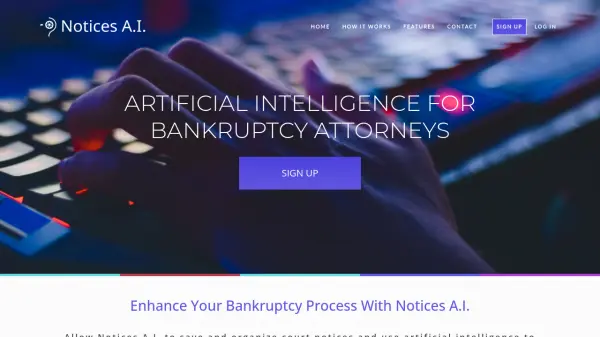
Notices A.I. assists bankruptcy attorneys by leveraging artificial intelligence to manage court notices efficiently. The system automatically retrieves court notices from PACER, directing them to a dedicated inbox and saving them directly to the relevant case file, which significantly reduces the need for attorneys to re-open files and incur additional PACER charges. New notices are readily accessible through a Quick View feature on the firm's dashboard.
The platform provides tools to sort, filter, and search all received court notices within the Notices A.I. Inbox. Furthermore, its Hearing Scheduler feature automatically identifies notices related to hearings and adds these dates to the firm's calendar, ensuring important court appearances are not missed. This functionality aims to improve organization and time management for legal professionals handling bankruptcy cases.
The platform provides tools to sort, filter, and search all received court notices within the Notices A.I. Inbox. Furthermore, its Hearing Scheduler feature automatically identifies notices related to hearings and adds these dates to the firm's calendar, ensuring important court appearances are not missed. This functionality aims to improve organization and time management for legal professionals handling bankruptcy cases.
Features
- Automatic Court Document Saving: Uses AI to direct court notices to the inbox and saves them from PACER to the case file.
- Hearing Scheduling: Automatically identifies hearing notices and adds them to the firm calendar.
- Notice Organization: Allows sorting, filtering, and searching of all court notices.
- Quick View Dashboard: Displays new court notices for convenient viewing.
- Cost Reduction: Minimizes PACER fees by automatically saving notices.
- Notification System: Alerts users to new court notices and allows marking them as read.
Use Cases
- Managing court notices for bankruptcy cases.
- Automatically scheduling court hearing dates.
- Reducing quarterly PACER statement costs.
- Organizing and searching through legal documents related to bankruptcy.
- Improving workflow efficiency for bankruptcy attorneys and law firms.