What is Neuro?
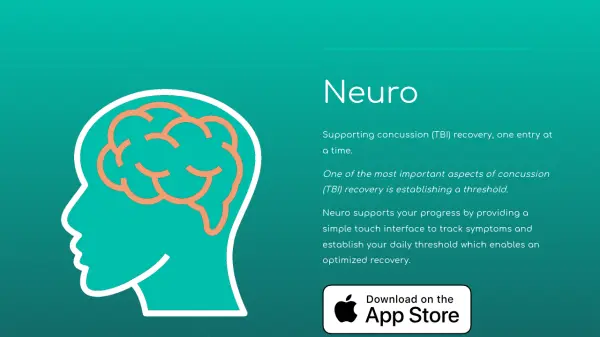
Neuro leverages precision-calibrated sensors within iOS devices to monitor environmental and physical activity patterns that could impact concussion recovery. The platform combines smart sensor data with user-reported symptoms to identify patterns and provide actionable insights for optimal recovery management.
Through its intuitive interface, the app delivers personalized recovery tracking, medical-grade reporting, and progress visualization. The system employs cutting-edge artificial intelligence to analyze patterns and offer deeper insights, while maintaining a focus on supporting, rather than replacing, professional medical care.
Features
- Smart Sensor Integration: Monitors environmental and physical activity patterns
- Symptom Tracking: Simple touch interface for logging symptoms
- Medical Grade Reporting: Generate high-quality PDF reports for physicians
- Progress Visualization: Intuitive charts for tracking recovery
- AI-Powered Insights: Pattern recognition and recovery optimization
- Threshold Management: Helps establish and monitor daily activity thresholds
Use Cases
- Tracking post-concussion symptoms
- Monitoring TBI recovery progress
- Sharing recovery data with healthcare providers
- Managing daily activity thresholds
- Identifying environmental factors affecting recovery
FAQs
-
Is Neuro a replacement for medical professional care?
No, Neuro is not an alternative or replacement for qualified medical expertise. It should be used in conjunction with professional medical care. -
What kind of reports does Neuro generate?
Neuro generates high-quality PDF reports with medical-grade charts that can be shared with physicians to track recovery progress. -
What devices is Neuro compatible with?
Neuro is currently available for iOS devices only.