What is My Hours?
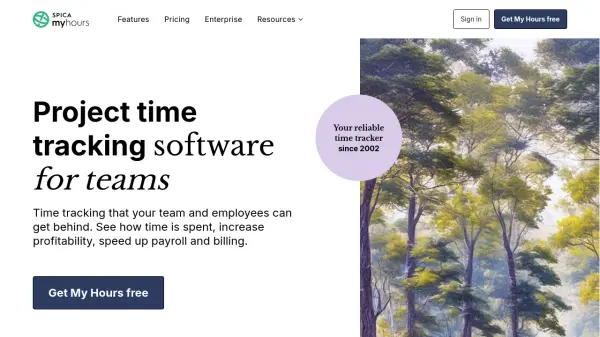
My Hours provides a reliable platform for tracking time across projects, tasks, and clients, designed to streamline team workflows and enhance productivity. The software enables users to create detailed project structures, assign tasks to team members, and monitor time spent with precision through manual entry or a stopwatch timer.
With robust reporting capabilities, My Hours generates detailed insights into time allocation, project profitability, and team performance. The platform supports flexible billing methods, expense tracking, and integration with existing tools, making it suitable for various industries and team sizes. Security and compliance are prioritized, with enterprise-grade features available for larger organizations.
Features
- Unlimited Projects and Clients: Create and manage unlimited projects, tasks, and clients with flexible assignment options
- Time Tracking Flexibility: Track time using a stopwatch timer or manual entry, with weekly or daily views and reminders
- Billing and Invoicing: Support for hourly rates, fixed fees, monthly retainers, and non-billable hours with invoice generation
- Reporting and Analytics: Generate detailed reports, filter data by time periods or projects, and export to PDF or XLS formats
- Team Management: Approve or reject timesheets, set user permissions, track absences, and manage team capacity with target hours
Use Cases
- Time reporting and project analytics for team performance insights
- Billing clients with flexible rates and generating invoices
- Keeping projects profitable through budget tracking and expense management
- Managing costs and calculating project profitability
- Exporting data for payroll and streamlining timesheet approvals
FAQs
-
What payment methods does My Hours accept?
My Hours accepts Visa, MasterCard, American Express, Discover, and PayPal. For larger teams with 50+ members and annual payments, wire transfers are also available. -
Does My Hours offer discounts?
Yes, discounts are offered to non-profit companies and larger teams. -
What type of support is included with My Hours?
All users receive email and live chat support, with Pro customers getting priority. Typical response time is less than 12 hours. Teams with 20+ members can sign up for a free demo call. -
Can I get a refund if I'm not satisfied?
Refunds are issued when an account with an active subscription has not been used for a few months. -
Can I deactivate inactive team members without losing their data?
Yes, you can archive inactive team members while keeping their data for reporting, and you are not charged for archived members.