Monitoria favicon

Monitoria
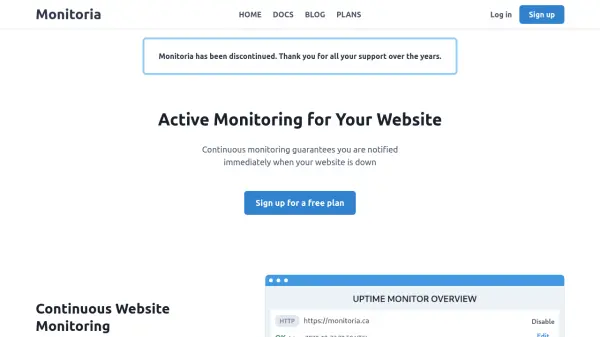
Active Monitoring for Your Website

What is Monitoria?

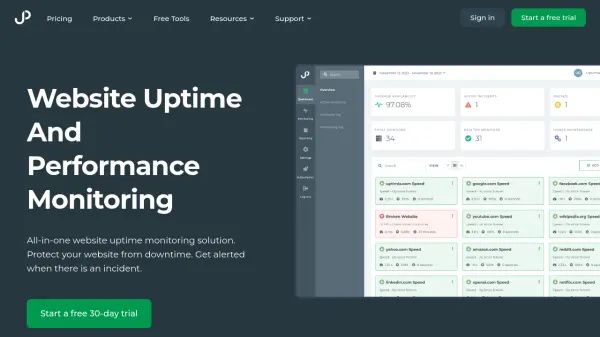
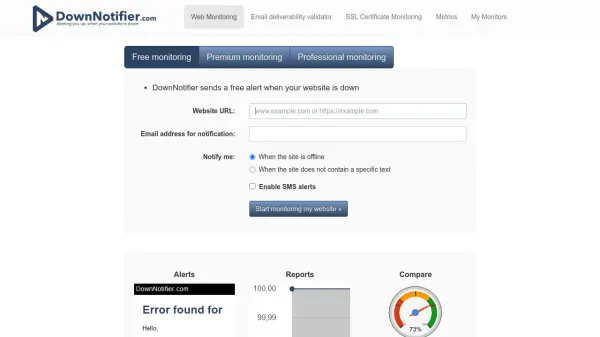
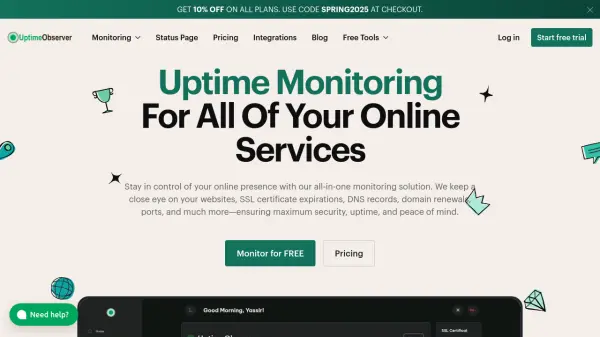
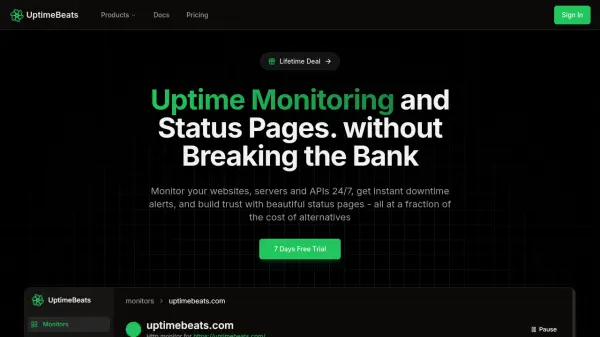
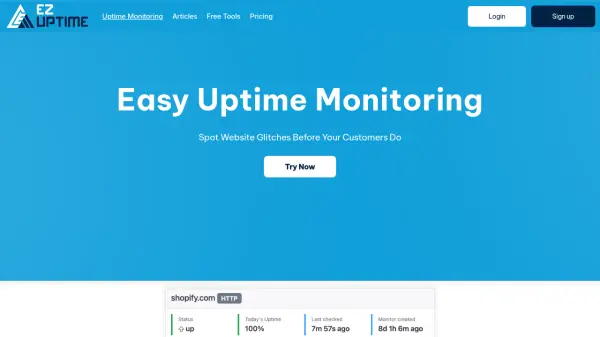
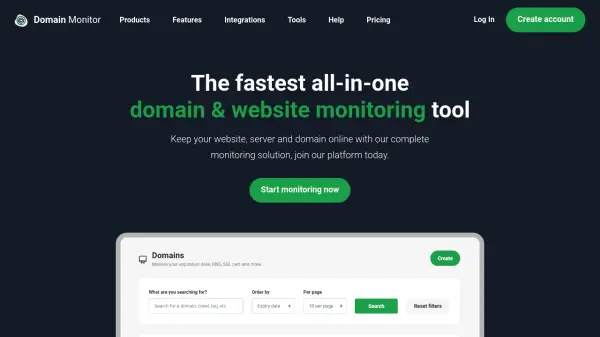
Monitoria is a website monitoring service designed to ensure website availability and security. It continuously monitors websites and endpoints by periodically sending requests to verify they are still running. When a website is detected as down, Monitoria immediately sends email notifications to alert users.

The service also includes SSL certificate monitoring, tracking expiration dates and notifying users when certificates are near expiration. Users can monitor multiple websites or endpoints simultaneously and view a dashboard summary of all monitored endpoints. Monitoria offers various plans with different monitoring intervals and limits for uptime and SSL monitors.

Features

  • Continuous Website Monitoring: Periodically sends requests to verify website uptime and sends email notifications when down
  • SSL Certificate Monitoring: Tracks SSL certificate expiration dates and notifies when near expiration
  • Multiple Endpoint Monitoring: Allows monitoring of multiple websites or endpoints with a dashboard summary view

Use Cases

  • Monitoring website uptime for business continuity
  • Tracking SSL certificate expiration to prevent security issues
  • Monitoring multiple endpoints for IT infrastructure management

Related Tools:

Blogs:

  • Boost Engagement in Ads with AI

    Boost Engagement in Ads with AI

    Discover how AI music and AI SDR agents are reshaping modern advertising. Learn how emotional resonance through AI-generated soundtracks combined with smart, automated sales outreach can turn viewers into loyal customers faster, cheaper, and more personally than ever before.

  • Top 6 AI note-taking tools for 2026: in-person, online, and hybrid use cases

    Top 6 AI note-taking tools for 2026: in-person, online, and hybrid use cases

    Most AI note-taking lists are really lists of meeting bots, which join your video call and transcribe it. That's useful, but it's half the picture. Decisions happen in hallway conversations, client dinners, on-site visits, and hybrid rooms where nobody is on a video link. This guide covers different parts of the note-taking workflow: hardware capture for in-person settings, platform-native tools for online calls, and AI layers for organizing and synthesizing what you've captured. It compares six tools by capture context, workflow fit, pricing, and limitations.

Didn't find tool you were looking for?

Be as detailed as possible for better results