
What is Mixbook?
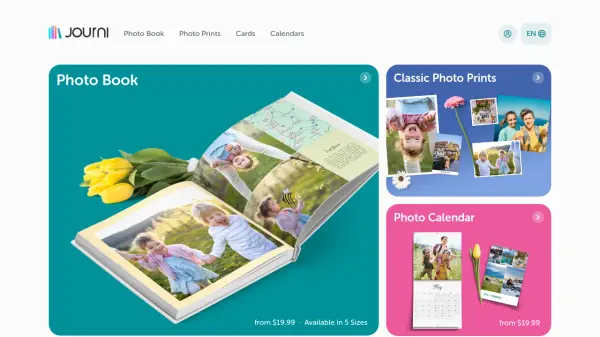
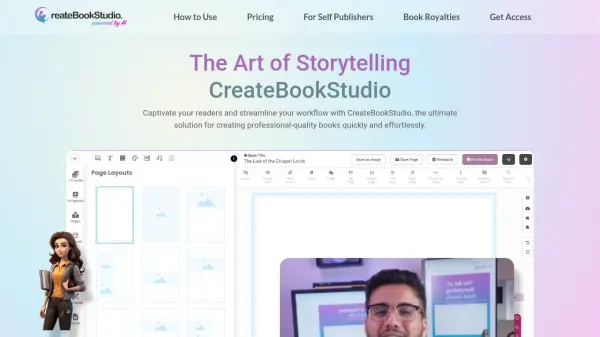
Mixbook is a platform for creating custom photo books, cards, calendars, and home decor. It features Mixbook Studio, an AI-powered design tool that simplifies the creative process. Users can choose from a variety of themes and templates, upload photos, and let the software automatically arrange them into professional-looking layouts. Additional customization options include text, colors, stickers, and borders. Mixbook offers a range of products including softcover and hardcover photo books, layflat albums, canvas prints, acrylic blocks, metal prints, and poster prints. The company also provides graduation invitations, wedding stationery, and school yearbooks. Mixbook is known for its high-quality printing and 24/7 customer support.
Features
- AI-Powered Design: Mixbook Studio uses AI to automatically organize photos into ready-to-use albums and layouts.
- Customizable Themes: Free, fully customizable themes for various occasions like travel, family, wedding, and graduation.
- Multiple Product Types: Photo books, cards, calendars, canvas prints, acrylic blocks, metal prints, and poster prints.
- Easy Photo Sorting: Sort photos by date taken, date added, or file name, and hide used photos to avoid duplicates.
- 24/7 Customer Support: Dedicated support team available around the clock to assist with design and delivery.
Use Cases
- Creating personalized graduation photo books and announcements.
- Designing custom wedding invitations and photo albums.
- Making Father's Day gifts with personalized photo books or home decor.
- Producing school yearbooks for preschool through college.
- Crafting family photo calendars for the new year.
FAQs
-
What is the easiest way to create a photo book on Mixbook?
Using Mixbook Studio, you can create a photo book in 3 steps: choose a free customizable theme, upload your photos, and let the AI auto-magically arrange them. Then add finishing touches like text, colors, stickers, and borders. -
How much do Mixbook products cost?
Mixbook offers options to fit any budget. Pricing varies by product type, size, and customization. Visit the photo book pricing page for details. -
Can I customize the layout of my photo book?
Yes, Mixbook allows you to customize page layouts, including background design and color, and you can add multiple photos on a single page. -
How can I sort my photos when creating a photo book?
Use the 'Sort by' feature to sort photos by 'Date Taken,' 'Date Added,' or 'File Name.' You can also 'Hide Used' photos to avoid duplicates and use the search feature to find specific photos by keyword.