What is ColoringBook.AI?
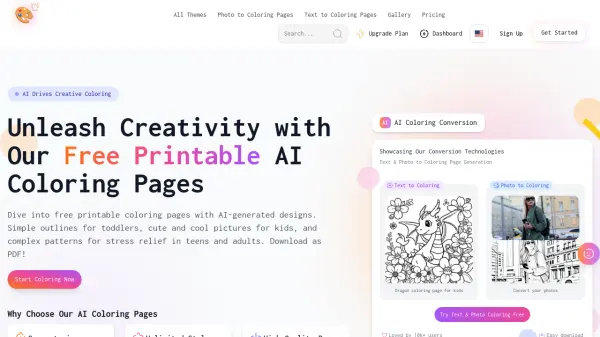
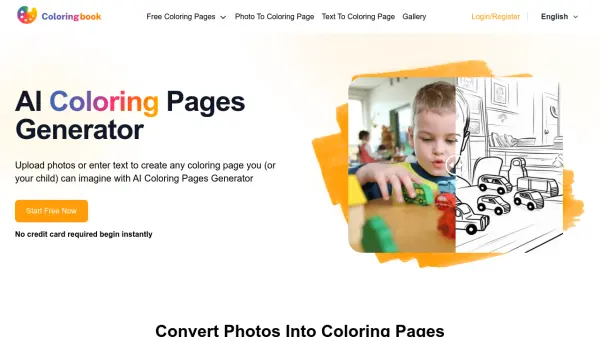
ColoringBook.AI is an innovative platform that transforms both photos and text descriptions into customizable coloring pages using artificial intelligence technology. The platform supports multiple output formats including PDF and PNG, making it easy for users to download and print their created coloring pages directly.
The service caters to various needs, from personal use by families and children to commercial applications such as creating coloring books for Amazon KDP. With a library of over 5,000 free printable coloring pages and advanced features like batch processing and privacy settings, ColoringBook.AI provides a comprehensive solution for coloring page creation.
Features
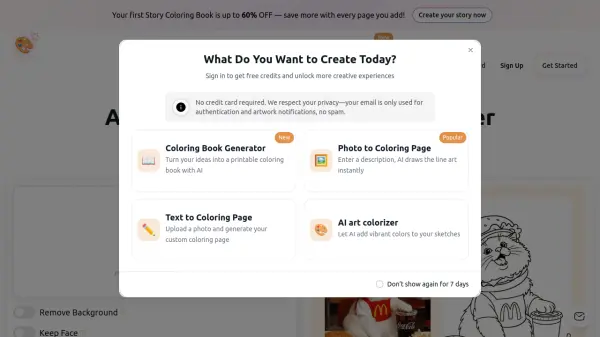
- Photo to Coloring Page: Convert any photograph into a coloring page
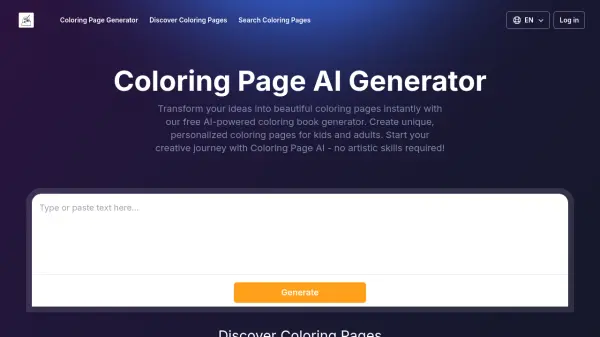
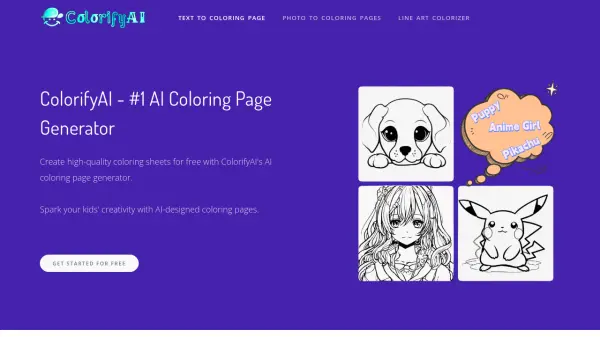
- Text to Coloring Page: Generate coloring pages from text descriptions
- Multiple Format Support: Download in PDF and PNG formats
- Batch Processing: Create multiple coloring pages simultaneously
- Privacy Protection: Option to make generated content private
- High Print Quality: Support for enhanced resolution output
- Free Library: Access to over 5,000 printable coloring pages
Use Cases
- Creating personalized coloring books for children
- Converting family photos into fun coloring activities
- Developing commercial coloring books for Amazon KDP
- Making educational coloring materials for teachers
- Converting pet portraits into coloring pages
- Generating themed coloring pages for special occasions
FAQs
-
What is the batch mode and who is it for?
Batch mode allows users to generate multiple prompts or multiple image-to-coloring pages at once, ideal for coloring page enthusiasts or those creating content for Amazon KDP. -
Can the AI-converted coloring pages be printed directly?
Yes, all generated coloring pages can be downloaded in PDF or PNG format and printed directly without additional processing. -
What is the high-quality print setting?
The high-quality print setting provides higher resolution outputs. For example, with a 3:2 aspect ratio, standard quality is 768 x 512 pixels, while high-quality print is 1536 x 1024 pixels.