What is Mink?
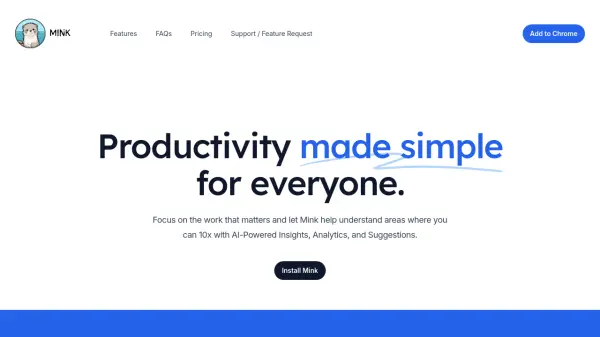
Mink is a productivity tool designed to help users understand their browsing patterns and improve their online efficiency. It provides AI-powered insights, in-depth analytics, and personalized suggestions based on browsing history.
The software allows users to customize their experience and offers features like daily email digests to keep track of daily online activities. Mink prioritizes user privacy by storing all data locally within the user's browser.
Features
- Insights: Get extremely actionable insights to help you supercharge your productivity.
- Analytics: Get a deep dive into your browsing patterns and habits to help you understand where you can improve.
- Suggestions: Get suggestions on how to improve your productivity based on your browsing patterns and habits.
- Settings: Customize your Mink experience to your liking with a few simple clicks.
- Digests: Never miss a thing with daily encapsulating email digests.
Use Cases
- Understanding browsing sessions to avoid fruitless research and information overload.
- Tracking daily online activity to identify areas for improvement.
- Improving productivity based on AI-powered insights and suggestions.
- Managing and reviewing daily browsing history through email digests.
FAQs
-
Does Mink handle email digests?
Yes, we send you daily digests of your browsing history and habits. -
What happens to my data?
Your data is stored locally on your browser and nowhere else. -
How does Mink make money?
Mink is free, in the future we might make money from ads or a little subscription fee. -
How does Mink generate insights?
We use a combination of AI and your browsing history to generate insights. -
How much data does Mink store?
Mink stores up to 30 days of your browsing history. However, you can change this from your settings.