
What is MealSuggest?
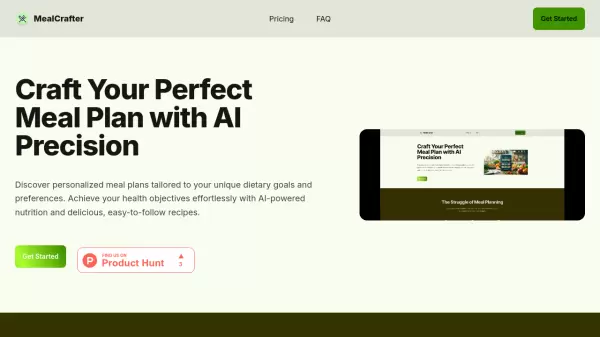
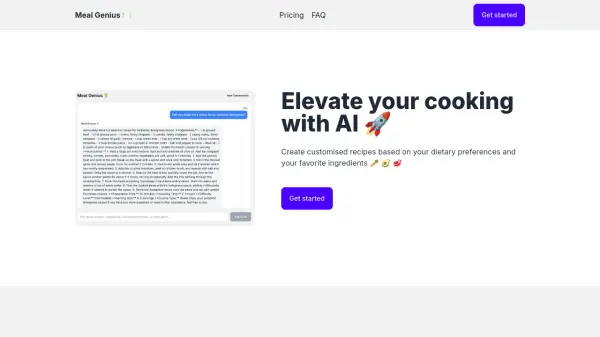
MealSuggest utilizes artificial intelligence to streamline meal planning by allowing users to set specific preferences and generate tailored meal schedules. The system accesses a comprehensive recipe database to create plans that align with individual needs, including cuisine types, meal categories, dietary restrictions, and health considerations.
Users can customize their meal plans by selecting from various options such as cuisine, meal type, dish category, diet, and health requirements. The tool supports multiple selections across all categories and includes advanced features like ingredient exclusion to accommodate allergies or personal preferences. It offers both single meal and week-long planning modes to suit different scheduling needs.
Features
- Customizable Preferences: Select multiple options for cuisine, meal, dish, diet, and health
- Advanced Filtering: Exclude specific ingredients and apply dietary restrictions
- Flexible Planning Modes: Choose between single meal or week-long meal plans
- Comprehensive Database: Access recipes from various cuisines and dietary categories
Use Cases
- Creating weekly meal plans for busy individuals
- Generating recipes for specific dietary needs like vegan or gluten-free
- Planning meals for weight management programs
- Finding recipes that exclude specific allergens
- Discovering new dishes from different cuisines