
What is MAXJoypad?
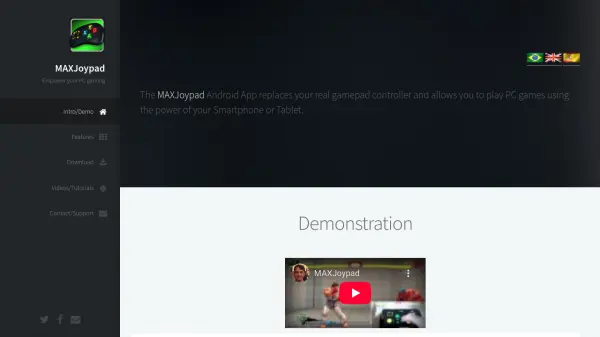
MAXJoypad is a specialized software solution that allows players to use their Android smartphones or tablets as fully functional gamepad controllers for PC gaming. Through its server and driver setup, it delivers high-performance communication between the app and your Windows computer, ensuring real gamepad emulation with minimal latency. The interface replicates the look and feel of a traditional gamepad using 3D button skins, and it supports both Wifi and Bluetooth connectivity for flexible usage.
The application offers advanced features such as macro creation for automating complex game actions, customizable gamepad profiles, and multiplayer support for up to four players. With quick installation, automatic network setup, and Xbox 360 controller emulation capabilities, MAXJoypad provides an intuitive solution for users seeking to enhance their gaming experience without physical controllers.
Features
- Real Gamepad Emulation: Accurately emulates a physical gamepad through Android devices
- 3D Button Skins: Mimics the appearance and feel of real gamepad buttons
- Wifi and Bluetooth Connectivity: Offers flexible connection options for device pairing
- Macro Feature: Automates complex gameplay actions with custom macros
- Gamepad Profile Management: Allows configuration of button functionality and behavior
- Multiplayer Support: Supports up to 4 players simultaneously
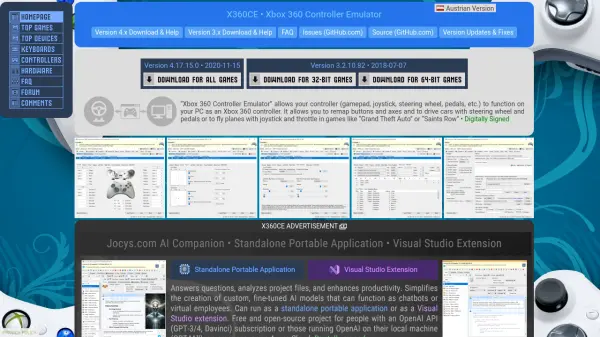
- Xbox 360 Controller Emulation: Integrates with x360ce for enhanced compatibility
- Quick Installation: Fast and secure server and driver setup with digital signature
Use Cases
- Replacing a lost or broken physical gamepad for PC gaming
- Enabling multiplayer gaming without extra hardware controllers
- Customizing control layouts for different games and playstyles
- Recording and automating in-game actions with macros
- Setting up a wireless gamepad solution using a smartphone or tablet
FAQs
-
How do I connect my Android device to my PC using MAXJoypad?
You can connect your Android device to your PC via Wifi or Bluetooth by ensuring both devices are on the same network and following the setup instructions in the MAXJoypad server interface. -
What operating systems are supported for the MAXJoypad server?
MAXJoypad server is compatible with Windows 7, 8, 8.1, and 10 (32/64 bits). -
Does MAXJoypad support multiplayer gaming?
Yes, MAXJoypad supports multiplayer gaming for up to 4 players using connected Android devices. -
Can I customize button layouts and create macros?
Yes, users can customize gamepad profiles, configure button behaviors, and create macros for automated game actions.