What is MantaGuard?
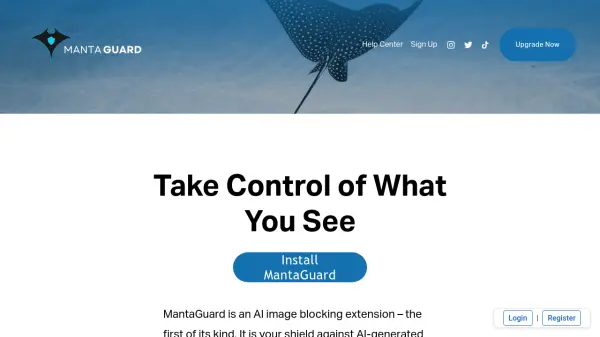
MantaGuard is a cutting-edge AI-powered browser extension designed to detect and block AI-generated images in real time. As synthetic media becomes increasingly convincing, MantaGuard helps users distinguish between authentic and manipulated images, providing a safer and clearer web experience. With features like instant image blocking, a confidence score overlay, and customizable settings, users are empowered to browse without fear of falling victim to deceptive content.
All image processing occurs locally to ensure privacy and efficiency. Different subscription tiers unlock premium functionalities, such as manual analysis, prefiltering controls, and unlimited blocking. Seamlessly integrated into your browser, MantaGuard offers a streamlined, noninvasive approach to protecting yourself from AI-generated misinformation online.
Features
- AI Image Detection: Instantly blocks AI-generated images using advanced algorithms.
- Confidence Score Overlay: Displays an easily readable confidence score on images.
- Unblock/Reblock Controls: Users can toggle overlays on images with a single click.
- Prefiltering: Filters out images based on configurable entropy and edge density thresholds.
- Manual Analysis Mode: Analyze images at the user's convenience (Ultimate subscribers).
- Customizable Settings: Confidence threshold and notification management for advanced control.
- Local Processing: All analyses are performed locally for enhanced privacy.
- Quotas and Statistics: Track image blocking activity per subscription tier.
Use Cases
- Preventing exposure to AI-generated misinformation on social media.
- Assisting researchers in identifying synthetic content during investigations.
- Securing browsing for journalists and newsrooms to ensure image authenticity.
- Helping educators and students discern real from synthetic images online.
- Providing web users with tools to control and verify images while surfing the internet.
FAQs
-
What browsers does MantaGuard support?
Currently, MantaGuard is available only for Chrome. -
Does MantaGuard process my images in the cloud?
No, all image processing is performed locally on your device for enhanced privacy. -
How can I report incorrect image predictions?
Reporting incorrect predictions is available with the Premium subscription tier. -
Can I customize the image blocking thresholds?
Yes, Ultimate subscribers can adjust prefiltering thresholds and the confidence threshold.