What is MakeTheDocs?
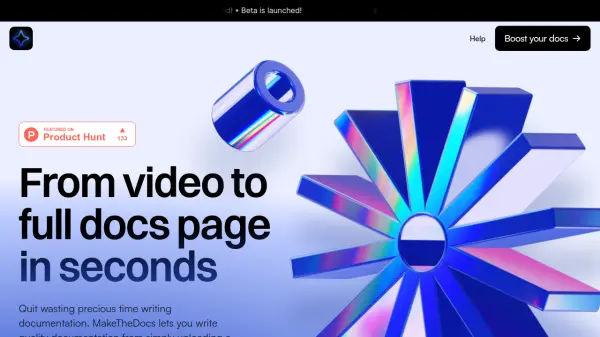
MakeTheDocs is an AI-powered tool designed to streamline the creation of documentation. By simply uploading a video, users can automatically generate a complete documentation page. The platform is built to enhance productivity, allowing users to focus on core tasks rather than manual documentation writing.
MakeTheDocs prioritizes data privacy, ensuring user data is not collected without explicit consent. With rapid processing, the AI analyzes and generates documentation in under a minute, offering an efficient solution for creating high-quality docs.
Features
- Video Upload: Generate documentation from a video file.
- Automated Documentation: AI-powered text generation from video content.
- Rapid Processing: Documentation is created in less than a minute.
- Previous Generations Page: Access and manage previously generated documentation.
- Multiple Export Formats: Export documentation in TXT, PDF, and Markdown formats (Pro and Business plans).
- Custom Branding: Add your company's branding to the documentation.
- Regeneration: Allows users to regenerate documentation (available in Starter plan, coming soon for Pro).
- Token System: Different plans based on the amount of processed video time.
Use Cases
- Software documentation
- Training material creation
- Product manuals generation
- Automating documentation workflows
- Creating help guides
FAQs
-
What happens to my uploaded videos?
MakeTheDocs does not collect your data unless they tell you, period. -
What if I need to process longer videos?
MakeTheDocs offers different pricing plans that support various video lengths, with the Business plan supporting up to 20-minute videos. Contact them for a tailor-made plan for longer videos. -
Can I regenerate a documentation?
Regeneration feature available in the Starter plan and is coming soon for the Pro plan.