What is MailDeveloper?
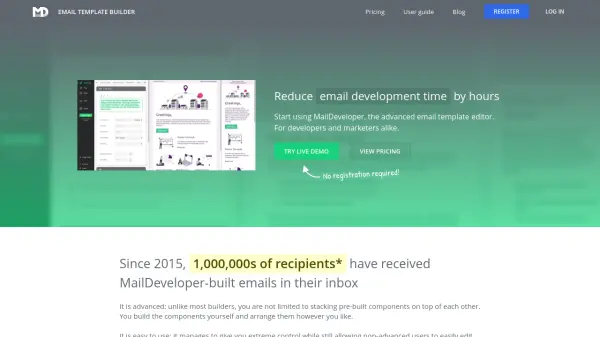
MailDeveloper is an advanced email template editor designed for developers and marketers to streamline email development. Unlike basic builders, it provides extreme control by allowing users to build custom components and arrange them freely while remaining accessible to non-advanced users for editing and adaptation. The tool supports features like webfonts, custom JavaScript, test emails, and mobile previews, with exported code that is 100% user-owned and free of tracking or watermarks.
Since 2015, MailDeveloper has been used to deliver emails to millions of recipients, helping professionals reduce time spent on template building. It includes team collaboration tools, universal search, and the ability to clone emails, making it ideal for agencies, teams, and freelancers looking to implement unique branding and designs efficiently.
Features
- Drag’n’drop UI: Build complex and fully custom structures with ease
- Custom HTML/JavaScript: Add custom code for advanced transformations and automation
- Mobile Preview: Specify mobile behavior and preview everything live
- Test Emails: Send test emails to team members or clients
- Export Ready HTML: Export 100% user-owned code with no tracking or watermarks
Use Cases
- Agencies providing branding or marketing services to clients
- Teams building products or services needing HTML email templates
- Freelancers or employees working on email marketing and branding
FAQs
-
Is there a free trial available?
Yes, you can try MailDeveloper for free, but HTML export requires a paid subscription. -
What support options are available?
Standard support offers email reply within 24 hours, while priority support guarantees a reply within 2 hours during business hours. -
What payment methods are supported?
Credit cards are supported; contact for PayPal options. -
Do I need a credit card to register?
No, credit card details are not required upon registering. -
Are there discounts for students or non-profits?
Not currently, but you can contact to discuss possibilities.