What is MagicPlayer?
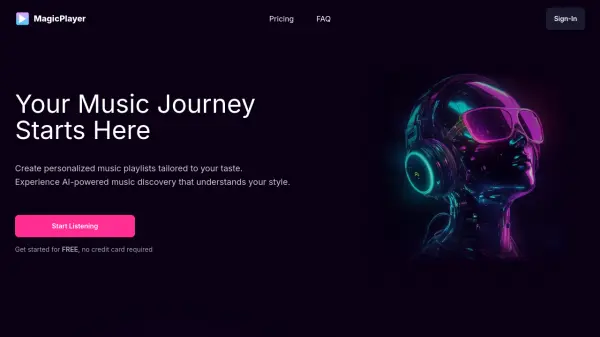
Craft personalized music playlists precisely tailored to individual tastes using advanced AI technology. This platform assists users in discovering music that resonates with their style, moving beyond generic suggestions.
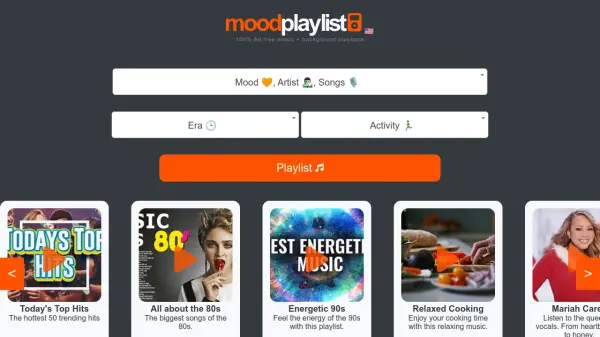
It offers different modes, like Creative Mode for specific playlist creation and Quick Mode for generating playlists based on mood, activity, or genre preferences. Users can adjust the level of musical exploration from familiar tracks to hidden gems. The generated playlists can be enjoyed within the platform or easily exported to other popular music services like YouTube and YouTube Music.
Features
- AI-Powered Personalization: Generates playlists based on genres, artists, moods, or specific vibes.
- Creative Mode: Allows users to create playlists exactly the way they want.
- Quick Mode: Creates playlists based on mood, activity, genre, and other quick access options.
- Adjustable Exploration Level: Set preference for popular tracks, a balance of familiar and new, or mostly new discoveries.
- Playlist Export: Export generated playlists to YouTube and YouTube Music.
- Playlist Editing & Extension (Plus Plan): Modify generated playlists by adding/removing songs and extend playlists with more tracks.
Use Cases
- Discovering new music aligned with personal taste.
- Creating playlists for specific moods (e.g., workout, focus, relaxing).
- Generating background music for activities or events.
- Exploring different genres or artists based on preferences.
- Building custom music collections without manual searching.
FAQs
-
What is MagicPlayer?
MagicPlayer is an AI platform that creates personalized music playlists based on user preferences like genres, artists, moods, or desired vibes. It helps users discover new music and offers features for playlist customization and export. -
Can I use MagicPlayer on my phone?
Yes, MagicPlayer syncs playlists across devices. You can also export playlists to Spotify or YouTube for offline listening on your phone. -
How long are the generated playlists?
Playlists contain 20 songs by default (around one hour). Users can request shorter or longer playlists during generation. Premium plans allow extending playlists further. -
Can I edit the generated playlists?
Playlist editing (adding/removing/reordering songs) is available with the paid Plus plan. Free users can create and listen to unlimited playlists but cannot edit them. -
How can I contact support?
You can email the support team at [email protected] for assistance.