What is Magic Audio Tools?
Magic Audio Tools offers a collection of specialized audio software applications designed for various multimedia tasks. The suite includes tools for ripping audio CDs to multiple formats, converting between different audio file types, merging individual audio clips into continuous tracks, and burning audio files to CDs. These applications support an extensive range of audio formats including MP3, AAC, FLAC, WAV, WMA, and many others, with features like batch processing, drag-and-drop functionality, and preservation of audio tags and folder structures.
The tools integrate capabilities such as automatic retrieval of album information from online databases, customizable audio effects for MIDI conversion, and options for gapless playback when merging files. Users can perform tasks like converting MIDI files to playable formats on portable devices, joining multiple audio files into single tracks, and creating audio CDs from various file types. The software is designed with user-friendly interfaces that simplify complex audio processing tasks for both casual users and professionals.
Features
- Audio CD Ripper: Rips audio CDs to multiple formats including MP3, AAC, FLAC, and WMA with automatic track information retrieval
- Format Converter: Converts between dozens of audio formats like MP3, WAV, FLAC, AAC, and OGG with batch processing support
- Audio Merger: Joins individual audio clips into single tracks with customizable pauses and gapless playback options
- MIDI Converter: Converts MIDI files to playable formats like MP3 and WAV with selectable sound fonts and audio effects
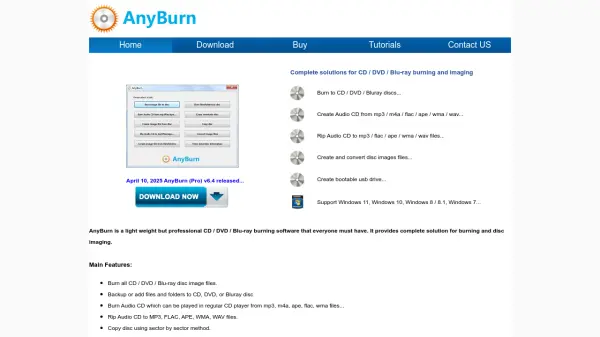
- CD Burner: Burns audio files to CD-R/CD-RW discs from various formats including MP3, AAC, and FLAC
Use Cases
- Backing up audio CD collections to digital formats
- Converting audio files for compatibility with different devices
- Creating continuous audio mixes from multiple tracks
- Preparing MIDI files for playback on portable media players
- Burning custom audio CDs from digital music libraries