
What is Lookscout?
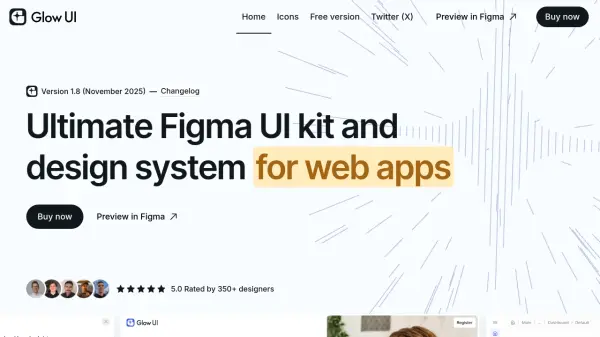
Lookscout provides a comprehensive design system built specifically for Figma, featuring an extensive library of pre-designed components, blocks, and pages. The platform enables designers to create responsive interfaces for websites, dashboards, web applications, and mobile apps with significant time savings through modular design elements.
The system includes both light and dark theme options with one-click switching, over 3,250 custom icons across multiple styles, and an integrated Framer library for converting designs into functional websites. With hundreds of pre-made designs and advanced customization capabilities, Lookscout streamlines the design process while maintaining consistency across projects.
Features
- Figma Design System: Thousands of pre-made components, blocks, and pages for rapid interface design
- Framer Library: Integrated library for converting Figma designs into functional websites
- Custom Icon Set: Over 3,250 vector icons across solid, outline, and duotone styles
- Theme Switching: One-click switching between light and dark themes for all components
- Responsive Design: Components and pages designed for mobile, tablet, and desktop devices
Use Cases
- Designing responsive websites and landing pages quickly
- Creating complex web applications and dashboards
- Developing mobile application interfaces
- Streamlining UI/UX design workflows for client projects
- Converting Figma designs into functional websites using Framer
FAQs
-
Can I use Lookscout for commercial purposes?
Yes, Lookscout can be used for commercial projects according to the licensing terms. -
Is Lookscout affiliated with Figma?
No, Lookscout is not affiliated with Figma Inc. It is an independent design system built for use with Figma. -
Do you offer a free version?
Yes, Lookscout offers a free version with limited features including some responsive designs and a basic Framer library. -
Are you using the latest Figma features?
Yes, Lookscout utilizes the latest Figma features to create powerful, customizable components for interface design. -
Why do I need a design system?
A design system helps streamline workflows, maintain consistency across projects, and reduce time spent on repetitive design tasks.