
What is LLPlayer?
LLPlayer is a specialized media player optimized for individuals engaged in language learning. It stands out with its unique subtitle functionalities, including the ability to display dual subtitles simultaneously in two different languages without overlap, allowing for adjustable size and positioning for both text and bitmap formats. The tool integrates AI capabilities through OpenAI Whisper for real-time automatic subtitle generation (ASR) across 100 languages directly from video or audio content, enhanced by optional hardware acceleration (CUDA, Vulkan, OpenVINO). Furthermore, LLPlayer offers real-time subtitle translation supporting services like Google, DeepL, Ollama, OpenAI, and Claude for 134 languages, utilizing Large Language Models (LLMs) to consider context for higher accuracy.
Beyond translation and generation, LLPlayer incorporates Optical Character Recognition (OCR) technology (TesseractOCR and MicrosoftOCR) to convert image-based bitmap subtitles into text format efficiently using the ffmpeg native API. Built upon ffmpeg and Flyleaf libraries, it supports a wide array of video and subtitle formats, including built-in and external files. Interactive learning is facilitated by an instant word lookup feature; clicking on a word within the subtitles opens a pop-up for definition lookup, web search, or copying to the clipboard. Additional features include a subtitles sidebar for navigation and word lookup, the capability to play online videos (e.g., YouTube) via yt-dlp with its full suite of subtitle features active in real-time, and extensive customization options for shortcuts and themes. LLPlayer is free, open-source (GPL licensed), written in C#, and currently available for Windows.
Features
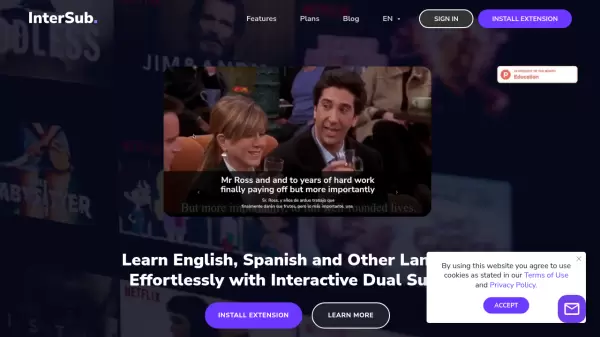
- Dual Subtitles: Display two languages simultaneously without overlap, with adjustable size/positioning.
- AI-generated Subtitles: Real-time automatic subtitle generation (ASR) using OpenAI Whisper for 100 languages, supporting hardware acceleration (CUDA, Vulkan, OpenVINO).
- Real-time Translation: Translate subtitles instantly using Google, DeepL, Ollama, OpenAI, or Claude (134 languages), with LLM context awareness.
- OCR Subtitles: Convert bitmap subtitles to text in real-time using TesseractOCR or MicrosoftOCR via native ffmpeg API.
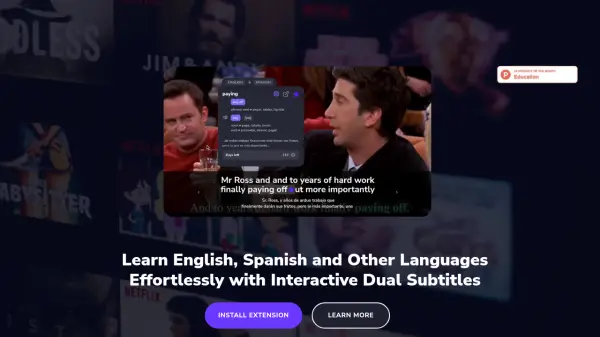
- Instant Word Lookup: Click on subtitle words to view definitions in a pop-up, search online, or copy to clipboard.
- Subtitles Sidebar: Navigate video using subtitles, look up words.
- Online Video Playback: Play online videos (e.g., YouTube) via yt-dlp with real-time subtitle features.
- Broad Format Support: Plays various video and subtitle formats (text, bitmap, built-in, external) via ffmpeg and Flyleaf libraries.
Use Cases
- Learning a new language by watching videos with dual subtitles.
- Generating subtitles automatically for videos or audio lacking them.
- Translating foreign language subtitles in real-time.
- Extracting text from image-based subtitles using OCR.
- Looking up unfamiliar words instantly while watching content.
- Practicing listening comprehension with accurately timed subtitles.
- Studying online content like lectures or tutorials with enhanced subtitle features.