What is Lila?
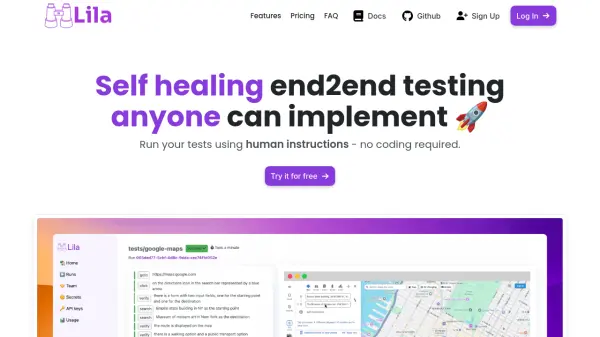
Lila revolutionizes end-to-end testing by enabling users to create and run tests using simple human instructions, eliminating the need for complex coding. The platform operates through a local browser environment, making it ideal for developers to test on localhost, PR checks, and staging environments.
Built with Playwright native integration, Lila offers robust self-healing capabilities that prevent tests from breaking when developers make UI changes. The platform supports web applications testing with features like storage session management and seamless CI pipeline integration, making it accessible for both small startups and large enterprises.
Features
- Self-Healing Tests: Automatically adapts to UI changes without breaking tests
- No-Code Testing: Implement tests using plain text instructions
- Local Browser Testing: Test localhost without additional configuration
- CI Integration: Ready for development pipeline integration
- Playwright Native: Compatible with Playwright storage sessions
- Easy Test Builder: Simple interface for writing test cases
Use Cases
- Running pre-deployment tests on staging environments
- Continuous testing of core business features
- Local development testing
- PR verification checks
- QA environment testing
- Web application end-to-end testing
FAQs
-
Is Lila free?
Yes, new teams receive 10 USD free credit to run their initial tests (approximately 100 test cases). After that, it becomes pay-per-use. -
What apps can I test?
Currently, Lila only supports testing web applications that are publicly accessible. Mobile apps or backend services are not supported. -
How can I get in contact with the Lila team?
You can contact the team via email at [email protected], schedule a call, or join their Discord channel.