
What is LanXchange?
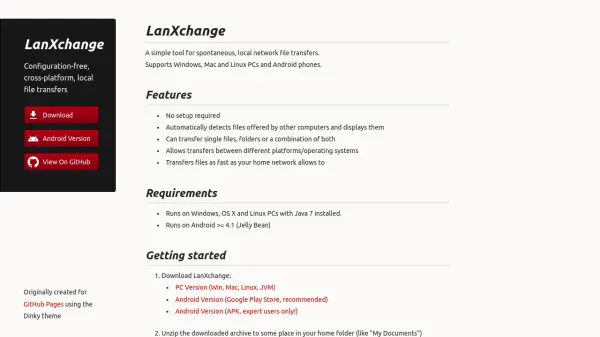
LanXchange is a straightforward solution for transferring files across local networks without the need for complex configuration. It automatically detects files offered by other computers on the same network and displays them for easy selection. The tool supports transfers of single files, folders, or a combination of both, and it is compatible with various operating systems including Windows, macOS, Linux, and Android.
Designed for speed, LanXchange leverages your home network's capabilities to transfer files as quickly as possible, avoiding the slow upload speeds associated with cloud services. It operates without collecting or sharing personal information, though a simple version check may involve third-party hosts. The tool is free software distributed under the GNU General Public License, ensuring users can modify and redistribute it as needed.
Features
- No Setup Required: Automatically detects files offered by other computers and displays them without configuration
- Cross-Platform Support: Allows transfers between Windows, Mac, Linux PCs, and Android phones
- Flexible Transfers: Can transfer single files, folders, or a combination of both
- High Speed: Transfers files as fast as your home network allows, avoiding slow cloud uploads
- Automatic Updates: Checks for updates on launch without automatic installation, with security hardening
Use Cases
- Transferring files between different operating systems on a local network
- Sharing files quickly at events like LAN parties or meetings
- Moving large files without relying on cloud storage uploads
- Spontaneous file sharing between PCs and Android devices in home or office settings