Lalamu Studio favicon

Lalamu Studio
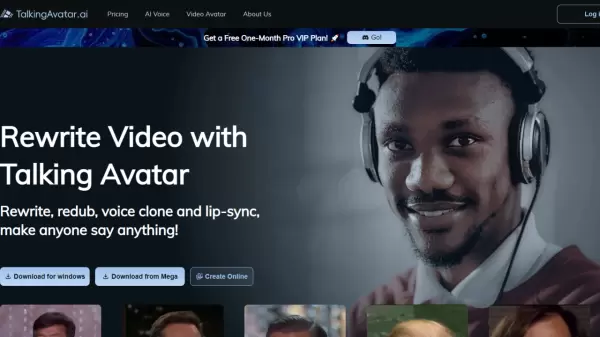
AI-powered lip-sync and voice cloning platform for creating realistic talking avatars

What is Lalamu Studio?

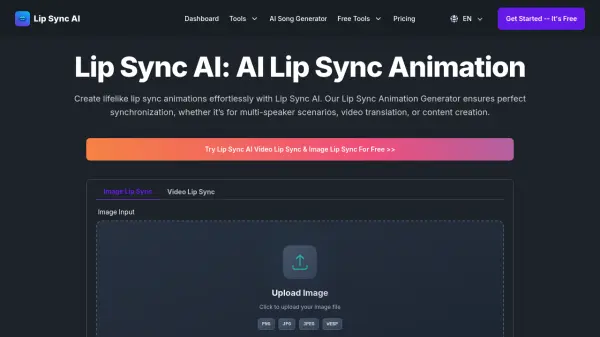
Lalamu Studio provides advanced AI technology for generating realistic lip-syncing and voice cloning in videos. The platform allows users to create talking avatars and characters with synchronized audio and visual elements, making it suitable for various multimedia applications.

By utilizing artificial intelligence, the tool ensures accurate mouth movements and voice matching, enhancing the realism of generated content. Users can upload their own audio or text to create customized talking videos with seamless integration.

Features

  • Lip-Sync Technology: AI-powered synchronization of mouth movements with audio
  • Voice Cloning: Generate realistic voice matches for avatars and characters
  • Avatar Creation: Customizable talking avatars for video content
  • Audio Integration: Upload audio files or use text-to-speech for voiceovers
  • Real-Time Processing: Generate videos with synchronized elements quickly

Use Cases

  • Creating talking avatars for educational videos
  • Generating voiceovers for animated characters
  • Producing lip-synced videos for social media content
  • Developing virtual presenters for marketing materials
  • Creating personalized video messages with custom voices

Related Tools:

Blogs:

  • Best AI tools for Product Photography

    Best AI tools for Product Photography

    Explore top AI tools that can elevate your product photography, helping you enhance images, streamline workflows, and create professional visuals with ease.

  • Top 6 AI note-taking tools for 2026: in-person, online, and hybrid use cases

    Top 6 AI note-taking tools for 2026: in-person, online, and hybrid use cases

    Most AI note-taking lists are really lists of meeting bots, which join your video call and transcribe it. That's useful, but it's half the picture. Decisions happen in hallway conversations, client dinners, on-site visits, and hybrid rooms where nobody is on a video link. This guide covers different parts of the note-taking workflow: hardware capture for in-person settings, platform-native tools for online calls, and AI layers for organizing and synthesizing what you've captured. It compares six tools by capture context, workflow fit, pricing, and limitations.

Didn't find tool you were looking for?

Be as detailed as possible for better results