
What is LatentSync?
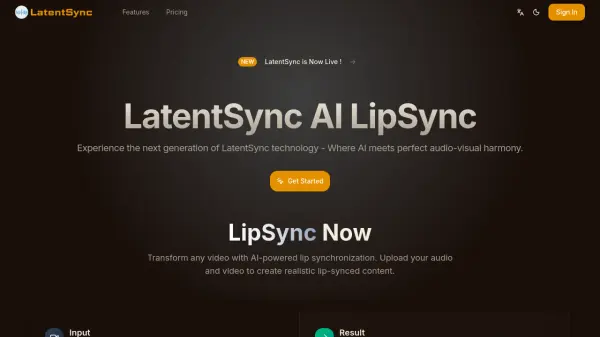
LatentSync utilizes advanced artificial intelligence technology to create seamless lip synchronization between video footage and audio tracks. The system analyzes both visual and audio data through a Latent Diffusion Model, generating realistic mouth movements that match speech patterns with remarkable precision.
This versatile solution works with various video types including real-life footage and animated content, adapting its algorithms to different visual styles. The platform supports multiple languages and accents, processes videos quickly on standard consumer-grade GPUs, and maintains high-quality output through built-in quality assurance tools.
Features
- Super Accurate Lip Sync: Uses advanced AI technology to match lips and audio with remarkable precision
- Works with Real People & Cartoons: Versatile handling of both real faces and animated characters
- Fast Video Processing: Delivers quick results without compromising quality
- Multi-Language Support: Recognizes and syncs lips for any language or accent
- Easy to Use: Simple upload process with automatic synchronization
- High-Quality Output: Maintains sharp and natural-looking video quality
Use Cases
- Movie dubbing to match actors' lip movements with dubbed voices
- Animated video creation for syncing cartoon characters' lips with voice recordings
- Online class enhancement for ensuring teachers' lip movements match their words
- Social media content creation for platforms like TikTok and YouTube
- Virtual avatar development for making game avatars speak more naturally
- Business presentations to maintain professional video communications
FAQs
-
What kind of computer hardware is required to run LatentSync?
LatentSync is designed to work on most modern GPUs and doesn't require specialized hardware. A standard computer with a decent graphics card should be sufficient for processing. -
Is there a free version available?
Yes, LatentSync offers a free version with basic features. For faster processing and more stable results, a premium version is available. -
How do users start using LatentSync?
Users can sign up on the website, upload their video and audio files, let the system process the synchronization, and then download the completed video.