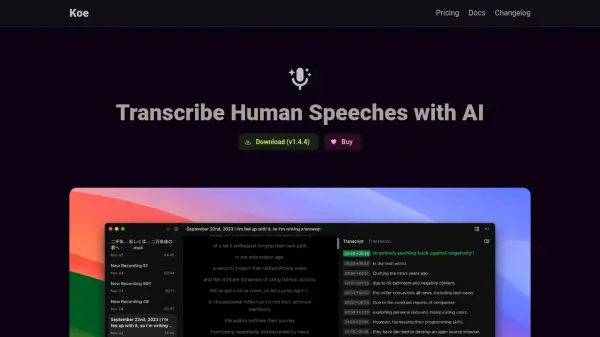
What is Koe?
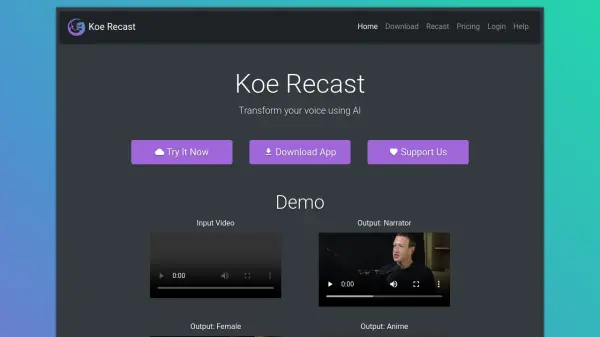
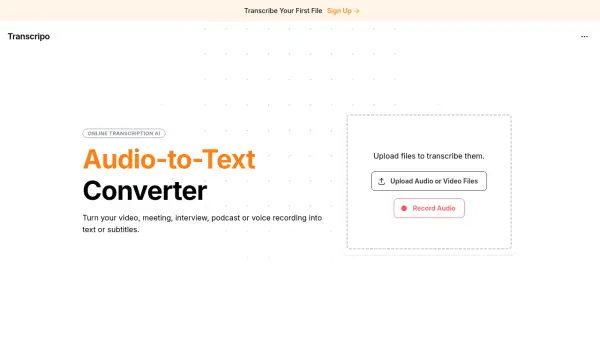
Koe is a powerful application designed to transcribe human speech using advanced artificial intelligence. It leverages OpenAI's Whisper model to perform transcriptions locally on your device, ensuring that your sensitive audio data never leaves your system. The software supports a wide range of audio and video file formats, including MP3, WAV, M4A, OGG, MOV, AVI, MP4, WEBM, and MKV.
Beyond local transcription, Koe also provides options for utilizing speech-to-text API services, such as OpenAI API and Deepgram. This allows users to offload processing and benefit from potentially faster transcription speeds. Additionally, Koe offers AI-powered translation through integration with ChatGPT, and facilitates voice dictation, allowing users to effortlessly generate text content through speech.
Features
- OpenAI Whisper Integration: Utilizes Whisper model for local, privacy-focused transcription.
- Speech-to-Text API Services: Supports OpenAI API and Deepgram for faster processing.
- Wide Format Support: Compatible with most audio/video formats (MP3, WAV, M4A, OGG, MOV, AVI, MP4, WEBM, MKV).
- Video Playback: Plays video with the transcribed content as subtitle.
- AI-Powered Translation: Uses ChatGPT to translate transcripts.
- Voice Dictation: Enables text creation via speech.
Use Cases
- Creating subtitles for videos
- Transcribing interviews and podcasts
- Generating written records of meetings
- Dictating notes and documents
- Translating audio and video content
FAQs
-
What exactly is Lifetime License?
Purchase Koe and use it forever. Major upgrades may come at an additional upgrade cost. For example, if you buy Koe 1 which is the current version, you can keep it forever and get automatic updates for all future 1.x.x versions. -
Will my audio data be sent to the cloud?
Speech-to-text can be done using the on-device Whisper model, no data will be sent to any server. The translation feature is done using OpenAI's API, so your data will be sent to OpenAI's server. -
Do you offer refunds?
Yes, we offer refunds for 14 days after purchase. Email [email protected]