What is KloudMate?
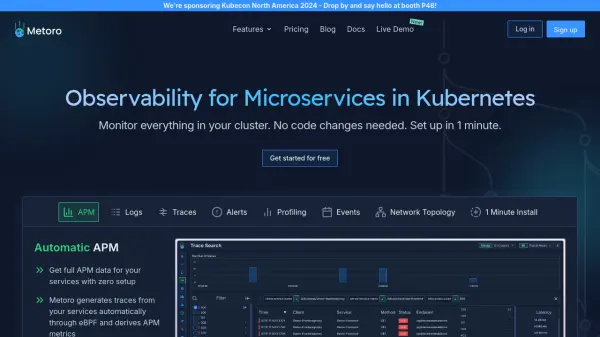
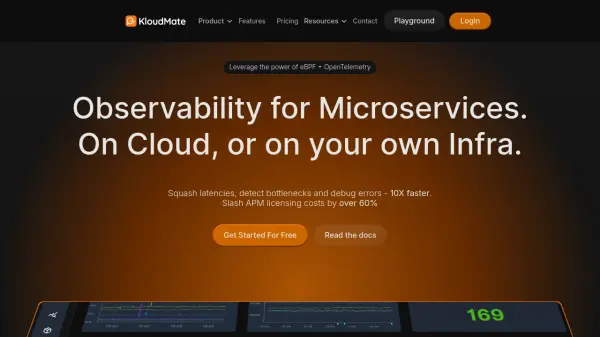
KloudMate offers a comprehensive observability solution for microservices and modern cloud environments. Leveraging the combined power of eBPF and OpenTelemetry, the platform enables teams to monitor application performance, track logs, metrics, and traces, and quickly identify bottlenecks or anomalies across their infrastructure. KloudMate’s intuitive interface consolidates data from distributed systems, providing actionable insights and a unified view to enhance team collaboration and troubleshoot faster.
With features such as application performance monitoring, anomaly detection, log analysis, serverless and Kubernetes monitoring, and incident management, KloudMate brings clarity and efficiency to cloud operations. Its usage-based pricing and scalability make it suitable for solo developers, growing businesses, and large enterprises seeking to reduce observability costs and improve operational excellence.
Features
- Application Performance Monitoring: Real-time insights into application health and latency.
- AI-Powered Anomaly Detection: Automated detection of unexpected behavior across systems.
- Comprehensive Log Filtering & Analysis: Advanced log management with powerful filtering capabilities.
- End-to-End Tracing: Full visibility into distributed systems using OpenTelemetry.
- Serverless & Kubernetes Monitoring: Dedicated monitoring for serverless functions and Kubernetes containers.
- Incident & Issue Management: Centralized tools for incident tracking and resolution.
- Business Observability: Data-driven analytics for business-critical metrics.
- Unlimited Users: Supports collaboration for teams of any size.
- Scalable Data Retention: Flexible retention based on plan and use case.
- Holistic Dashboard: Unified view for metrics, logs, traces, and system health.
Use Cases
- Real-time monitoring of microservices performance.
- Detecting and resolving application bottlenecks and errors.
- Optimizing resource allocation and reducing observability costs.
- Collaborative troubleshooting in distributed development teams.
- Analyzing logs and metrics for security and compliance.
- Performance tracking for serverless, Kubernetes, and containers.
- Managing incidents with automated alerting and reporting.
FAQs
-
Do I need to provide a credit card to sign up for a free trial?
No, you do not need to provide a credit card to sign up for KloudMate's free trial. -
How do I sign up for KloudMate?
You can sign up directly on the KloudMate website to get started with the platform. -
How does the billing work?
KloudMate uses a usage-based pricing model, so costs scale with the amount of logs, traces, and metrics ingested. -
What payment methods are accepted?
KloudMate accepts various payment methods, details of which are provided during the subscription process. -
Can I change plans at any time?
Yes, you can change your KloudMate subscription plan at any time to fit your monitoring needs.