
What is KISS Launcher?
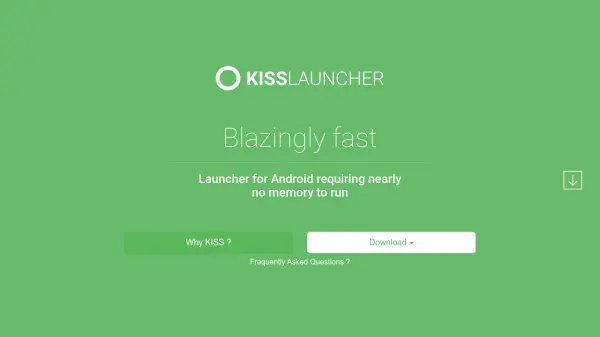
KISS Launcher is an open-source Android launcher designed for speed and simplicity. With a file size under 250KB, it uses minimal memory and is optimized for battery life, making it ideal for older or low-end devices. The launcher replaces the traditional home screen with a clean, search-centric interface. Users can quickly find and launch apps, contacts, and settings by typing. KISS Launcher also learns from user behavior to surface the most frequently used features for faster access.
The launcher is available for free on both Google Play and F-Droid, with a strong emphasis on privacy and no bloatware. It is maintained by a community of developers and offers customization options through plugins and themes.
Features
- Ultra-compact: Less than 250KB in size, uses negligible memory
- Battery optimized: Designed for minimal battery drain
- Smart search: Quickly find apps, contacts, and settings by typing
- Learning algorithm: Automatically surfaces most-used features
- Open source: Community-driven development with privacy focus
Use Cases
- Speed up daily phone navigation
- Simplify home screen for minimalists
- Revive older Android devices with limited resources
- Efficiently access apps and contacts without clutter
FAQs
-
Is KISS Launcher free?
Yes, KISS Launcher is completely free and open source. You can download it from Google Play or F-Droid. -
How small is the app size?
The app is less than 250KB, making it one of the smallest Android launchers available. -
Does it drain battery?
No, KISS Launcher is optimized for battery life and uses minimal resources.