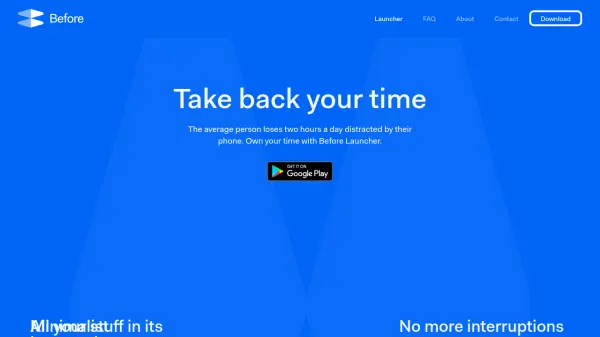

What is Before Launcher?
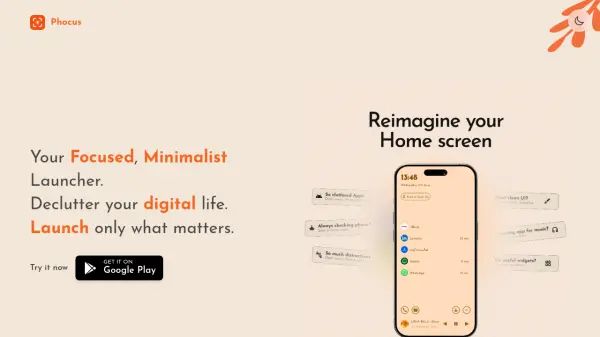
Before Launcher offers a minimalist approach to Android home screen management, allowing users to take control of their digital habits and reduce distractions. By enabling users to prioritize essential apps, mute trivial notifications, and organize applications into accessible folders, it helps foster a more intentional phone usage experience.
With customization options for icons, backgrounds, and fonts, as well as features like notification filtering, work profiles, and easy app search, Before Launcher delivers a clean and efficient interface. Its focus on simplicity empowers users to maintain concentration, improve productivity, and style their phone to match their preferences.
Features
- Minimal Interface: Clean and simple home screen to reduce visual clutter.
- App Prioritization: Highlight and pin essential apps for quick access.
- Notification Filtering: Mute or hide trivial notifications for better focus.
- Work Profiles: Separate professional and personal app spaces.
- Customizable Icons and Themes: Choose from preset or custom designs for icons, fonts, and backgrounds.
- App Organization: Sort and group apps into folders and apply labels.
- Hide Apps: Discreetly hide selected apps from the home screen.
- App Search and Filtering: Quickly find and filter apps as needed.
Use Cases
- Reducing phone distractions for improved focus and productivity.
- Creating a minimalistic and organized home screen layout.
- Managing work-life balance by separating professional and personal apps.
- Customizing phone appearance to suit individual style preferences.
- Filtering unwanted notifications for a quieter device experience.