
What is Kayna AI?
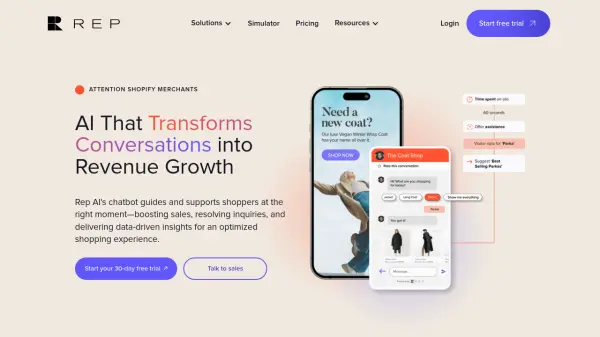
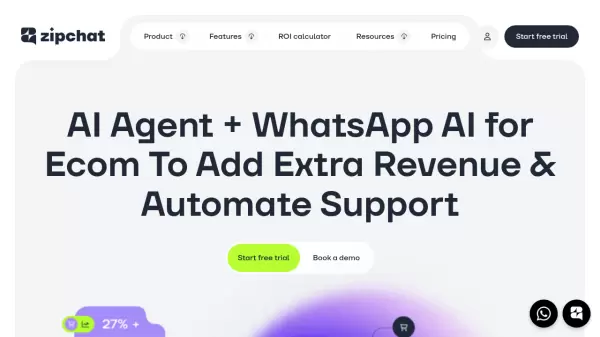
Kayna AI is an advanced AI agent designed to automate customer interactions for e-commerce platforms like WooCommerce and Shopify, as well as any type of website. It provides 24/7 customer support, sales automation, lead generation, and order management through both voice and text capabilities. The AI agent can reason, adapt, and make decisions like a human, understanding context and remembering past conversations to deliver intelligent responses.
It features multilingual support, voice recognition, and a customizable Q&A system that can answer questions not found in the website's database. Integration is seamless with a single line of code, and it includes an auto-orchestration engine that switches between AI models for optimal performance. The tool also offers a free version and various paid plans with different request limits and features.
Features
- AI Reasoning & Decision-Making: Adapts and makes decisions like a human based on context and real-time intent
- Voice & Text Capabilities: Supports voice recognition and multilingual responses for natural interactions
- WooCommerce & Shopify Integration: Automates tasks specific to these e-commerce platforms
- Customizable Q&A System: Answers questions not in the website's database with fine-tuning options
- Lead Generation: Strategically collects contact details during conversations
- Easy Integration: Embeds into websites or apps with a single line of code
- Auto-Learning: Learns automatically from website content and uploaded documents
- 24/7 Automation: Handles customer queries and workflows continuously
Use Cases
- Automating customer support for e-commerce stores
- Generating leads through conversational AI
- Managing orders and product inquiries on WooCommerce or Shopify
- Providing 24/7 sales assistance and product recommendations
- Handling voice-based customer interactions on websites or mobile apps
- Automating business workflows and tasks in WordPress
- Qualifying leads and escalating issues intelligently
- Supporting multilingual customer service for global audiences
FAQs
-
How does the AI handle voice interactions?
It supports voice recognition and multilingual responses, allowing users to speak naturally instead of typing, with 72% of users preferring voice for mobile interactions. -
Can I customize the AI's appearance?
Yes, you can match the UI to your brand with one-click theming (colors, position, size, etc.) and remove branding on higher-tier plans. -
How do I train the AI further?
It learns from your website automatically, but you can fine-tune it by adding Q&A pairs via the dashboard or uploading CSV/text files. -
What integrations are supported?
You can embed the AI into your website or app with one line of JavaScript code; it works seamlessly with existing systems and auto-selects the best AI tools for each task. -
How many requests can the AI handle?
Plans range from 500 to 16,000 text/voice requests monthly, with all tiers including 24/7 uptime and volume discounts available.