What is Jumpshare?
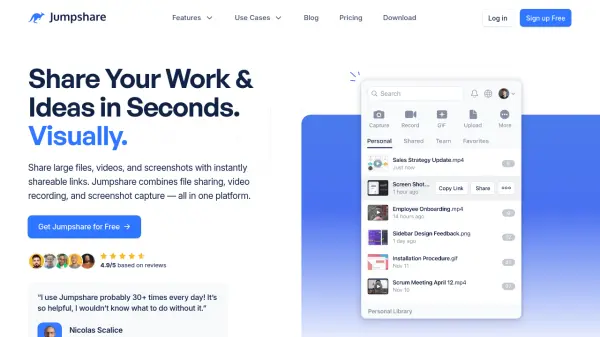
Jumpshare is a comprehensive visual communication platform designed to streamline team collaboration and productivity. It integrates multiple tools into a single solution, allowing users to share files, record screens, capture screenshots, and create GIFs with ease. The platform supports over 200 file formats for online preview and enables real-time collaboration with features like time-stamped comments and frame-accurate markups.
With Jumpshare AI, videos are automatically enhanced through intelligent features such as personalized titles, transcriptions in 50+ languages, engaging summaries, and contextual chapters. The platform also includes advanced screenshot annotation tools, sensitive information redaction, and customizable backgrounds. Jumpshare helps consolidate tools, reduce costs, and improve workflow efficiency for teams across various industries.
Features
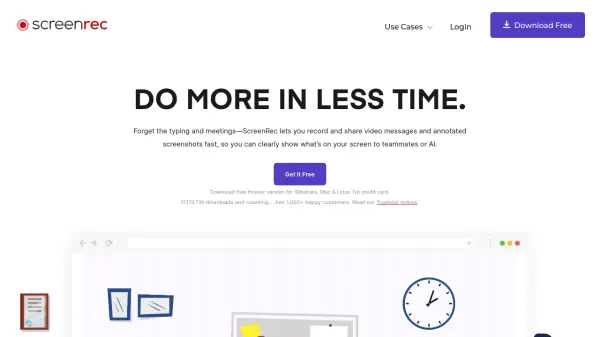
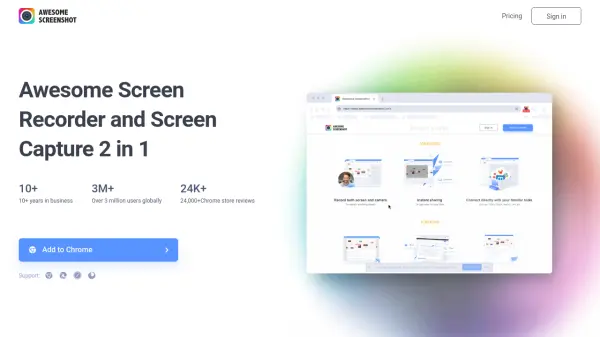
- Screen Recording: Record videos and GIFs with drawing tools, webcam, audio, and call-to-action buttons for higher engagement
- Screenshot Capture: Capture pixel-perfect screenshots with advanced annotation tools, scrolling capture, and automatic redaction of sensitive information
- File Sharing & Collaboration: Share large files with instantly shareable links, preview 200+ formats online, and collaborate with real-time comments and markups
- Jumpshare AI: Automatically generate video titles, transcriptions in 50+ languages, summaries, chapters, and create actionable documents from videos
- Video Editing: Trim and join videos, add custom thumbnails, and personalize video players with branding for professional presentations
Use Cases
- Sales teams creating personalized video pitches with call-to-action buttons
- Marketing professionals sharing visual content and tracking engagement analytics
- Customer support agents providing clear bug reports and tutorials with screenshots
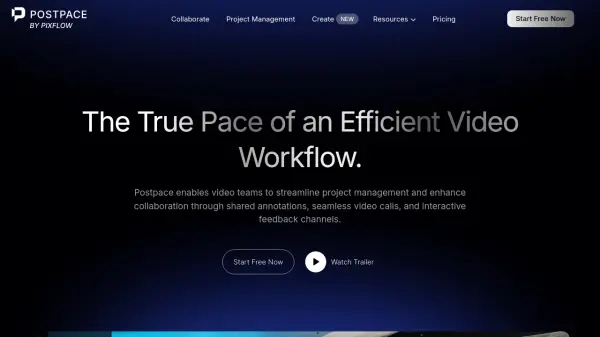
- Product managers collecting feedback through time-stamped video comments
- Design teams collaborating on visual assets with real-time markups
- Engineering teams documenting code and sharing technical insights
- Educators creating instructional videos with captions and summaries
- Team collaboration through shared libraries and version history tracking
FAQs
-
What is the difference between the Plus and Business plan?
The Plus plan is for individuals and small teams with features like unlimited uploads and recording time. The Business plan adds Jumpshare AI features, custom-branded emails, universal content privacy, and advanced management tools for professional teams. -
Do I really get unlimited storage with the paid plans?
Paid plans provide scalable storage: Plus starts with 2TB (adds 250GB per user), Business starts with 3TB (adds 500GB per user), and Enterprise offers custom storage based on team needs. -
How much sharing bandwidth do I get each month?
Bandwidth resets monthly: Plus provides 250GB per user, Business provides 500GB per user, and Enterprise provides 1TB per user. Only views by others count toward bandwidth usage. -
Can I change/cancel my plan anytime?
Yes, you can switch between plans or cancel your subscription at any time during your billing period without restrictions. -
Can I try the Business plan for free?
Yes, Jumpshare offers a 14-day free trial for the Business plan. You won't be charged during the trial, and if canceled before it ends, no charges will apply.