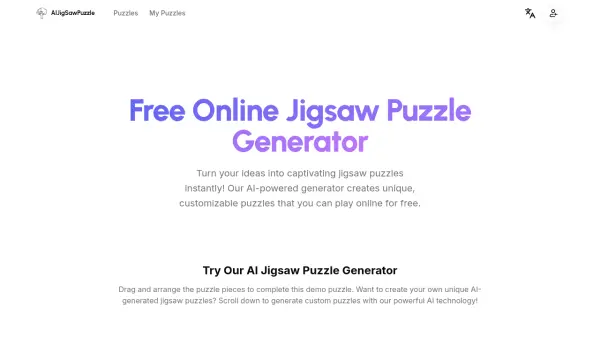

What is Jigsaw Explorer?
Jigsaw Explorer provides an online platform where users can create, customize, and solve interactive jigsaw puzzles. The tool utilizes artificial intelligence to enhance the puzzle-solving experience through features like automatic piece generation and difficulty adjustment.
Users can upload their own images to create personalized puzzles, adjust piece counts for varying difficulty levels, and share puzzles with others via links. The platform supports real-time solving with drag-and-drop functionality and includes options for saving progress and tracking completion times.
Features
- AI-Powered Puzzle Generation: Automatically creates jigsaw pieces from uploaded images using AI algorithms
- Customizable Difficulty: Adjust piece counts from easy to challenging levels
- Real-Time Solving: Interactive drag-and-drop interface for puzzle assembly
- Image Upload: Create personalized puzzles from user-provided photos or images
- Sharing Capabilities: Generate shareable links to puzzles for collaboration
Use Cases
- Creating personalized jigsaw puzzles from family photos for entertainment
- Educational activities for children to develop problem-solving skills
- Team-building exercises with shared puzzle-solving sessions
- Relaxation and stress relief through casual puzzle gaming
- Custom puzzles for special occasions like birthdays or holidays