
Jellybean favicon

Jellybean
Effortless Bill Splitting for Groups and Friends

What is Jellybean?

Jellybean offers a seamless solution for managing shared expenses among friends, roommates, and groups. Designed with simplicity in mind, this platform enables users to create shared expense reports, add participants, and track contributions throughout various group activities such as trips, dinners, or household arrangements. The intuitive interface allows anyone to add expenses in real-time and split costs evenly, by percentage, or custom amounts to suit different scenarios.

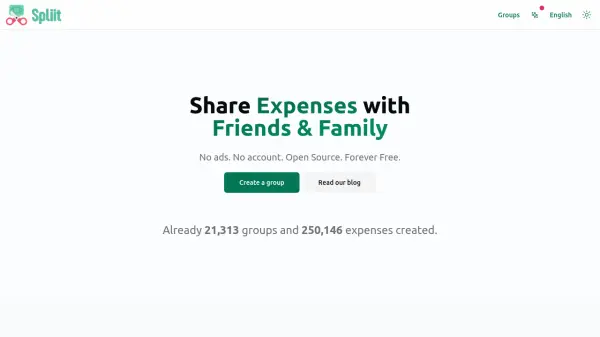
Jellybean emphasizes hassle-free collaboration by enabling report sharing through a single link—participants can add expenses without the need for an account. The system updates balances automatically and delivers clear summaries to help groups see exactly who owes what at any moment, making the process from vacation planning to final settlements quick and transparent.

Features

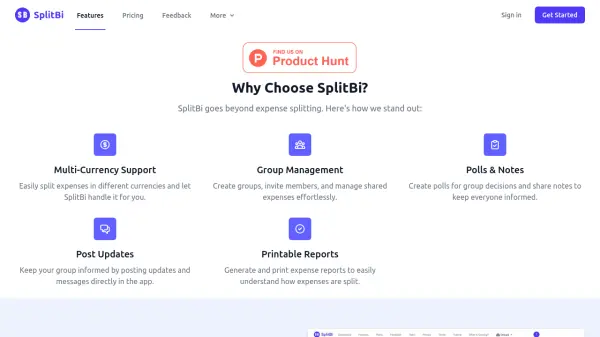
  • Even Split: Split bills fairly with one tap for group expenses.
  • Share Splits: Divide costs among groups or couples for mixed arrangements.
  • Percentage Splits: Assign costs by percentages for flexible rent or utility sharing.
  • Custom Amounts: Specify exact amounts for each participant, ensuring accuracy.
  • Smart Calculator: Add multiple items with an integrated calculator.
  • Easy Sharing: Share expense summaries through text or email with one click.
  • Collaborative Reports: Edit and update shared expense reports with or without logging in.

Use Cases

  • Splitting vacation or travel expenses among friends
  • Managing shared household bills and rent with roommates
  • Dividing costs at group dinners and events
  • Organizing expenses for group tours and activities
  • Tracking and settling expenditures for club or team outings

Related Tools:

Blogs:

  • Top 6 AI note-taking tools for 2026: in-person, online, and hybrid use cases

    Top 6 AI note-taking tools for 2026: in-person, online, and hybrid use cases

    Most AI note-taking lists are really lists of meeting bots, which join your video call and transcribe it. That's useful, but it's half the picture. Decisions happen in hallway conversations, client dinners, on-site visits, and hybrid rooms where nobody is on a video link. This guide covers different parts of the note-taking workflow: hardware capture for in-person settings, platform-native tools for online calls, and AI layers for organizing and synthesizing what you've captured. It compares six tools by capture context, workflow fit, pricing, and limitations.

  • Ghibli Art Generator AI tools

    Ghibli Art Generator AI tools

    List of the best AI tools to turn your photos into images that look like Studio Ghibli movies. Easy to use and fun for everyone.

  • AI thumbnail maker tools

    AI thumbnail maker tools

    Automatically generate visually appealing and optimized thumbnails for various digital content, streamlining the design process and enhancing visual engagement

  • Best AI Tools For Startups

    Best AI Tools For Startups

    we've compiled a straightforward list of user-friendly AI tools designed to give startups a boost. Discover practical solutions to streamline everyday tasks, enhance productivity, and gain valuable insights without the need for a tech expert. Learn where and how these tools can be applied in your startup journey, from automating repetitive tasks to unlocking powerful data analysis. Join us as we explore the features that make these AI tools accessible and beneficial for startups in various industries. Elevate your business with technology that works for you!

Didn't find tool you were looking for?

Be as detailed as possible for better results