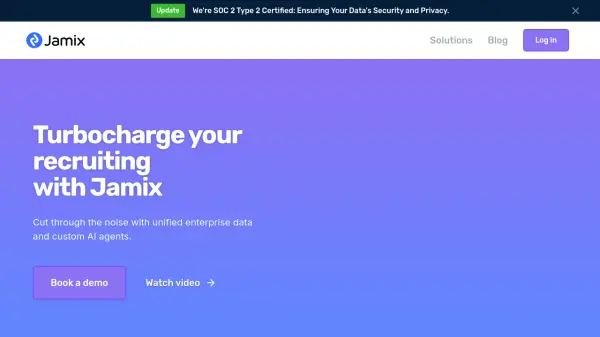
What is Jamix?
Jamix is an AI platform designed to unify all enterprise data, enabling seamless integration and revealing previously inaccessible insights. It facilitates deeper and more complex analysis across various departments, including sales, customer support, recruiting, and HR.
The platform offers an intuitive chat interface where users can ask questions, query data, and automate tasks. Jamix empowers teams with real-time information by connecting to various applications, ensuring enhanced efficiency and informed decision-making.
Features
- Unified Data Integration: Seamlessly integrates all enterprise data for comprehensive analysis.
- AI-Powered Search: Effortlessly search across connected apps in one place.
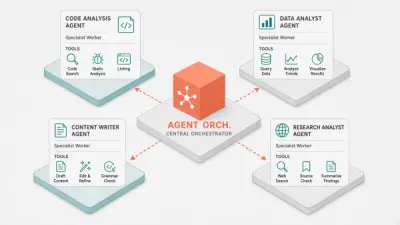
- Custom AI Agents: Utilize AI agents for various use cases, including specific data inquiries and cross-dataset insights.
- Task Automation: Automates workflows by connecting to various tools.
- AI-Powered Insights: Automatically highlights key trends and actionable opportunities from data.
Use Cases
- Streamline sales processes.
- Enhance customer support efficiency.
- Improve recruiting workflows.
- Automate HR, IT, and onboarding tasks.
- Gain insights from unified enterprise data.
- Enable real-time information access for teams.