
What is Invisor?
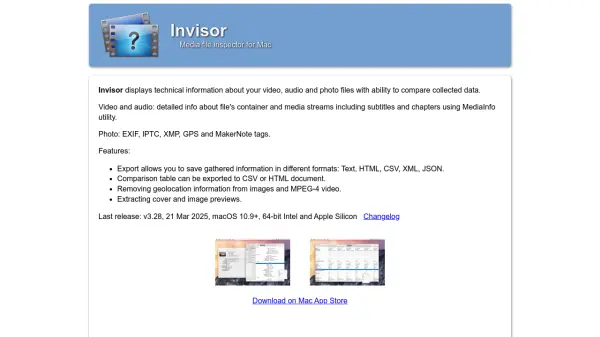
Invisor is a media file inspector application designed specifically for macOS that provides comprehensive technical analysis of video, audio, and photo files. The tool extracts detailed information about file containers, media streams, subtitles, chapters, and various metadata tags including EXIF, IPTC, XMP, GPS, and MakerNote data.
The application offers export functionality to save gathered information in multiple formats including Text, HTML, CSV, XML, and JSON. Users can compare collected data through comparison tables that can be exported to CSV or HTML documents. Additional features include removing geolocation information from images and MPEG-4 videos, as well as extracting cover and image previews from media files.
Features
- Media Analysis: Detailed inspection of video, audio, and photo file containers and streams
- Metadata Extraction: EXIF, IPTC, XMP, GPS, and MakerNote tag reading from photos
- Export Capabilities: Save information in Text, HTML, CSV, XML, and JSON formats
- Comparison Functionality: Compare collected data with exportable comparison tables
- Geolocation Removal: Remove location information from images and MPEG-4 videos
- Preview Extraction: Extract cover and image previews from media files
Use Cases
- Analyzing technical specifications of media files for quality control
- Extracting metadata from photos for organization and cataloging
- Comparing media file properties for format conversion decisions
- Removing geolocation data from media files for privacy protection
- Exporting media information for documentation and reporting purposes