What is Intangible?
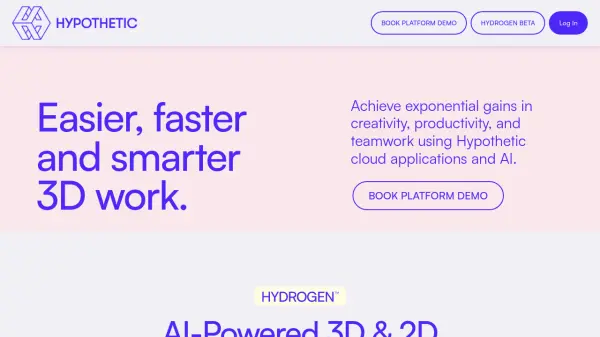
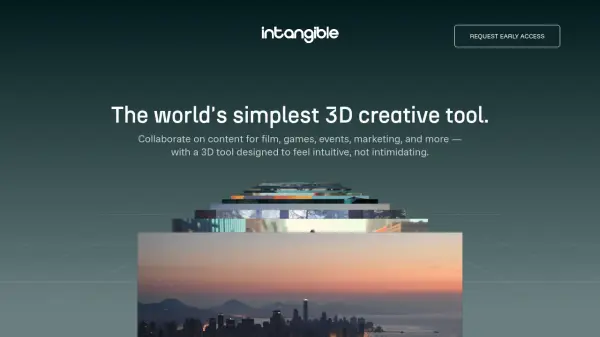
This browser-based platform provides an intuitive interface for creating and collaborating on stunning visuals, videos, and 3D scenes without the complexity of traditional tools. It allows teams to work together in real-time 3D, iterating on concepts and bringing ideas to life quickly for industries such as film, gaming, marketing, and events. Access thousands of free 3D assets and achieve professional-grade results without needing extensive technical expertise.
Leveraging powerful AI features, the tool facilitates rapid environment population and offers creative control through AI-native prompting and drag-and-drop interactions. Users benefit from advanced camera controls for precise shot composition and can generate storyboards or experiment with visual styles efficiently. The platform incorporates next-generation AI, including always-on agents for complex workflows, natural language programming for character behavior, and an AI World Model for generating believable worlds, streamlining the creative process from concept to production.
Features
- Easy 3D World Building: Populate fully-editable 3D environments rapidly.
- Simple, Intuitive Controls: Utilize AI-native prompting and drag-and-drop interfaces.
- Real-Time Collaboration: Designed for teams to work together in 3D.
- Precision Camera Control: Advanced camera controls and shot composition tools.
- AI-Powered Visual Generation: Generate storyboards and experiment with visual styles.
- Browser-Based Access: No downloads required, accessible directly in a web browser.
- Free 3D Asset Library: Includes thousands of free 3D assets.
- Intelligent Character Behaviors: Program character animation and interactivity using natural language.
- AI World Model: Generate believable worlds powered by a proprietary knowledge graph.
- Export Capabilities: Export scenes and shots to other generative AI tools.
Use Cases
- Building animated 3D sets for film, commercials, or social content.
- Creating pre-production storyboards for visual narratives.
- Simulating marketing activations, trade shows, and events in 3D.
- Elevating event pitches and planning with realistic 3D visualizations.
- Composing and refining marketing visuals with precise camera angles.
- Designing and iterating on game levels, environments, and interactive concepts.
- Collaborating in real-time on 3D creative projects.
- Visualizing concepts before investing in physical production or imagery.