What is Instant Invoice?
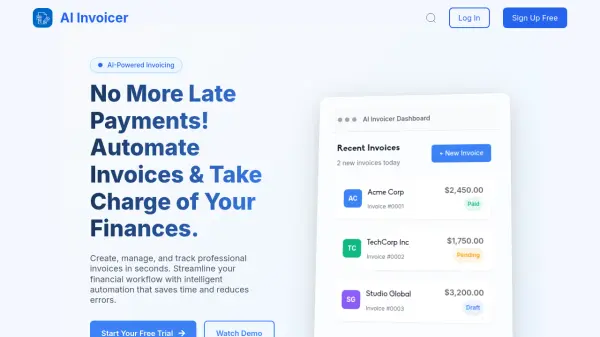
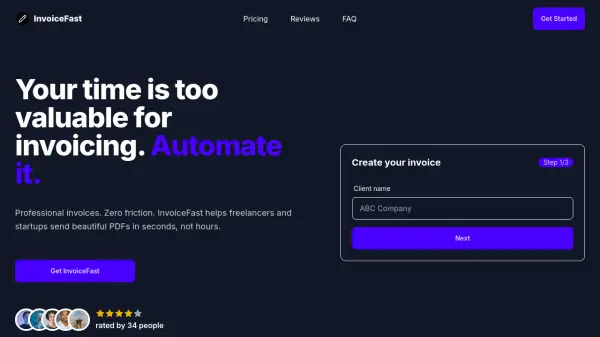
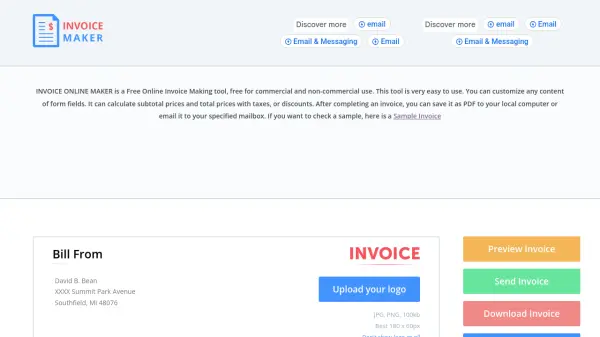
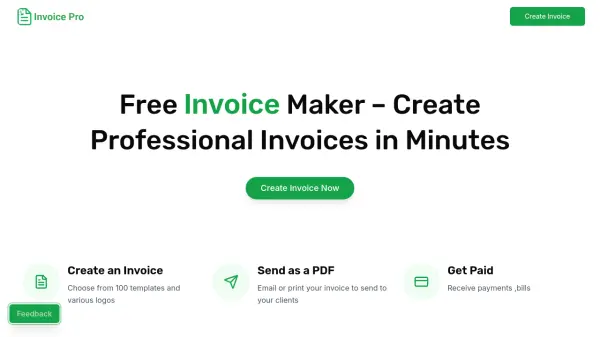
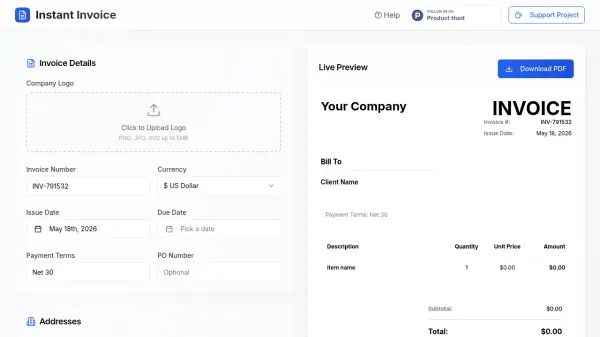
Instant Invoice is an AI-powered invoicing platform designed to simplify the billing process for freelancers, small business owners, and independent professionals. The tool provides a user-friendly interface to create, customize, and download professional invoices instantly. Users can upload their company logo, set invoice numbers, currencies, issue and due dates, payment terms, and PO numbers. The platform includes sections for billing and shipping addresses, itemized services with automatic amount calculations, and tax/discount/shipping adjustments. Additional customization options include background color, heading color, and body text color to match brand identity. Notes and terms & conditions can be added before downloading the final invoice as a PDF. Instant Invoice eliminates the need for complex accounting software, making invoicing quick and efficient.
Features
- AI-Powered Automation: Automatically calculates totals, taxes, discounts, and shipping.
- Customizable Templates: Adjust background, heading, and body text colors to match branding.
- Logo Upload: Upload company logo in PNG, JPG, or SVG format (up to 5MB).
- Instant PDF Download: Generate and download invoices as PDF files instantly.
- Itemized Service Entry: Add multiple items with quantity, unit price, and auto-calculated amounts.
- Address Management: Enter from (company), bill to, and optional ship to addresses.
Use Cases
- Freelancers sending invoices to clients for completed projects.
- Small businesses billing customers for products or services.
- Independent contractors managing their own invoicing.
- Agencies creating branded invoices for multiple clients.
- Sole proprietors tracking payments and due dates.
FAQs
-
Is Instant Invoice free to use?
Yes, Instant Invoice is completely free to use with no hidden charges. -
Can I upload my company logo?
Yes, you can upload your company logo in PNG, JPG, or SVG format up to 5MB. -
What file format is the invoice downloaded in?
Invoices are downloaded as PDF files. -
Does it support multiple currencies?
Yes, you can select from a variety of currencies in the invoice settings. -
Can I customize the invoice colors?
Yes, you can customize background, heading, and body text colors to match your brand.