What is Indigrid?
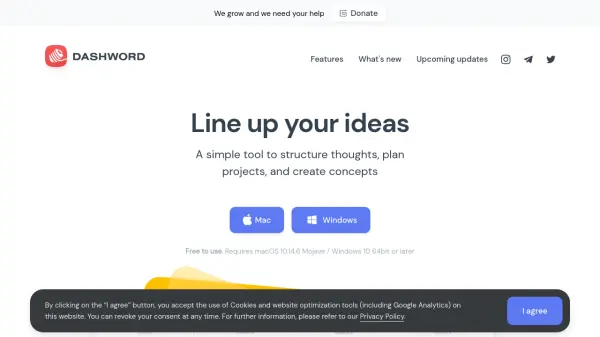
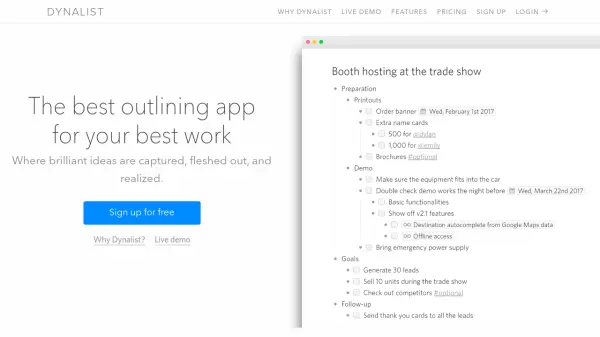
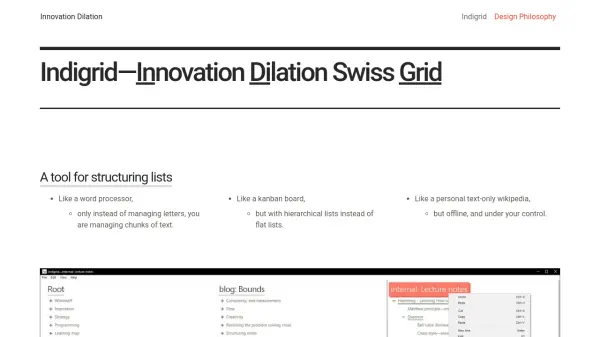
Indigrid empowers users to organize and manage text by structuring content in hierarchical lists, offering capabilities beyond conventional word processors or kanban boards. Designed for those seeking a personal, offline tool, it ensures users retain full autonomy and privacy over their information, with no accounts, no cloud storage, and no bundled third-party software.
This free application allows for seamless import and export of plain text, remembering the entire history of user changes while offering efficient native keyboard shortcuts. Its refined user interface is intentionally minimalistic, emphasizing user control, data sovereignty, and distraction-free productivity, making it suitable for private notes, personal knowledge bases, or text-heavy project management.
Features
- Hierarchical List Management: Structure and manipulate chunks of text in nested lists.
- Offline Operation: Fully functional without internet or account registration.
- Plain Text Import & Export: Seamlessly transfer content to and from other programs.
- Unlimited Free Use: No usage limits, ads, or data collection.
- History Tracking: Complete record of all user changes maintained.
- Native Keyboard Shortcuts: Access powerful shortcuts unavailable to typical web apps.
- Privacy-Centric: Zero cloud integration—user data never leaves their computer.
- Minimal Interface: Refined to a single options dialog for simplicity.
Use Cases
- Personal knowledge base creation and maintenance.
- Organizing research notes and ideas offline.
- Project or task management using hierarchical structures.
- Drafting and revising text-based content with complete change history.
- Building a private, text-only wiki under user control.