Indiesound favicon

Indiesound
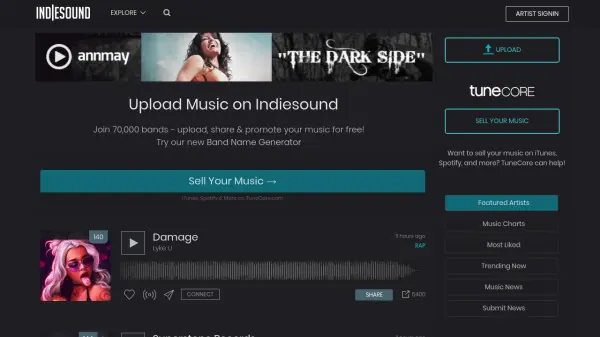
Upload, Share, and Promote Your Music for Free

What is Indiesound?

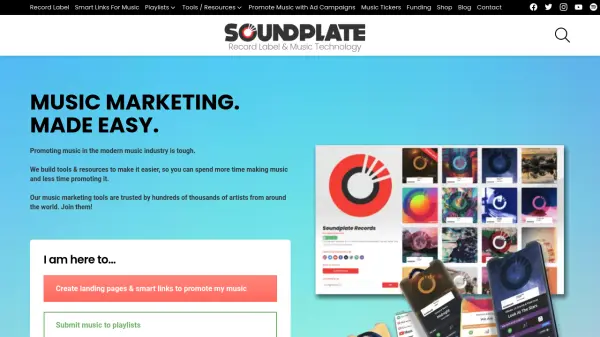
Indiesound provides a platform for musicians to share their work and connect with a global audience. Artists can upload their music, create profiles, and interact with fans.

The platform offers a free service, enabling artists to promote their music without financial barriers. Indiesound also features charts, popular tracks, and the latest music news to help users discover new music and artists.

Features

  • Upload Music: Artists can upload their music tracks.
  • Share Music: Share tracks and profiles on social networks.
  • Promote Music: Tools to help artists gain exposure.
  • Band Name Generator: A tool to help create unique band names.
  • Music Charts: Explore trending and most-liked music.
  • Music News: Stay updated on the latest music industry news.

Use Cases

  • Sharing original music tracks with a wider audience.
  • Promoting new releases and gaining fans.
  • Discovering new and independent music.
  • Connecting with other musicians and industry professionals.
  • Finding a unique band name.

FAQs

  • How do I sell my music on iTunes and Spotify through Indiesound?
    Indiesound recommends TuneCore to sell your music on major platforms like iTunes and Spotify.

Helpful for people in the following professions

Related Tools:

Blogs:

  • Long Videos into Viral Shorts

    Long Videos into Viral Shorts

    Klap.app is an AI-powered video editing tool that transforms long-form videos into engaging short clips optimized for platforms like TikTok, Instagram Reels, and YouTube Shorts

  • Top AI tools for Students

    Top AI tools for Students

    These AI tools are designed to enhance the learning experience for students. From personalized study plans to intelligent tutoring systems.

  • Top 6 AI note-taking tools for 2026: in-person, online, and hybrid use cases

    Top 6 AI note-taking tools for 2026: in-person, online, and hybrid use cases

    Most AI note-taking lists are really lists of meeting bots, which join your video call and transcribe it. That's useful, but it's half the picture. Decisions happen in hallway conversations, client dinners, on-site visits, and hybrid rooms where nobody is on a video link. This guide covers different parts of the note-taking workflow: hardware capture for in-person settings, platform-native tools for online calls, and AI layers for organizing and synthesizing what you've captured. It compares six tools by capture context, workflow fit, pricing, and limitations.

Didn't find tool you were looking for?

Be as detailed as possible for better results