What is ImgMerge?
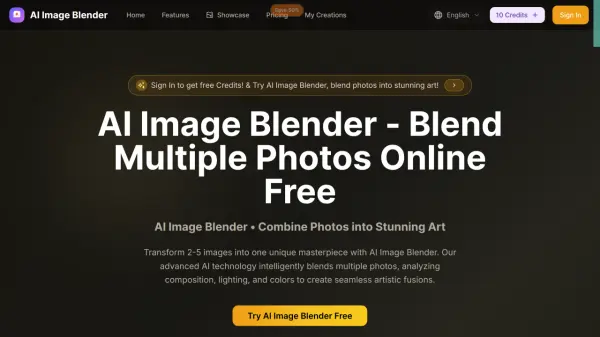
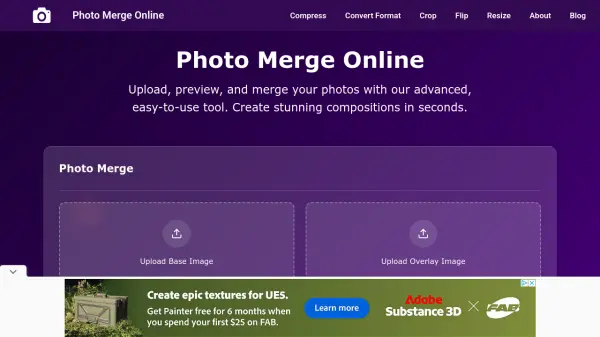
ImgMerge is an advanced online photo merging tool that enables users to upload, preview, and combine images effortlessly. It offers versatile merge layouts including overlay, side-by-side, and top-to-bottom, catering to various composition needs. The platform provides access to 16 professional blend modes and intuitive slider controls for precise positioning, scaling, and blending of images, ensuring pixel-perfect results every time.
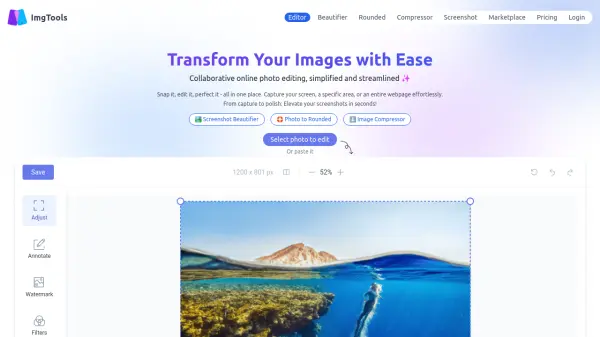
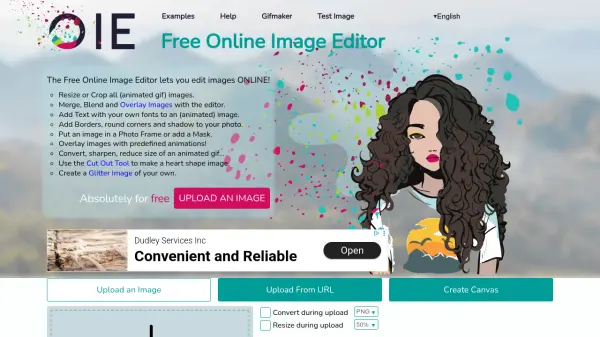
In addition to merging, ImgMerge features real-time previews, one-click high-quality downloads in PNG format, and a fully responsive interface for seamless use across devices. Its broader toolkit also includes cropping, resizing, compression, format conversion, flipping, color correction, and filters, making it a comprehensive solution for both casual creatives and professional photographers seeking efficient photo workflows.
Features
- Multiple Merge Layouts: Overlay, side-by-side, and top-to-bottom options for versatile image combinations.
- Advanced Blend Modes: Access to 16 blend modes for professional visual effects.
- Precise Positioning: Fine-tune image position and scale with intuitive slider controls.
- Real-time Preview: Instant visual feedback to streamline the editing process.
- One-Click Download: Quick high-quality PNG downloads of finished compositions.
- Responsive Design: Optimal usability across desktop, tablet, and mobile devices.
Use Cases
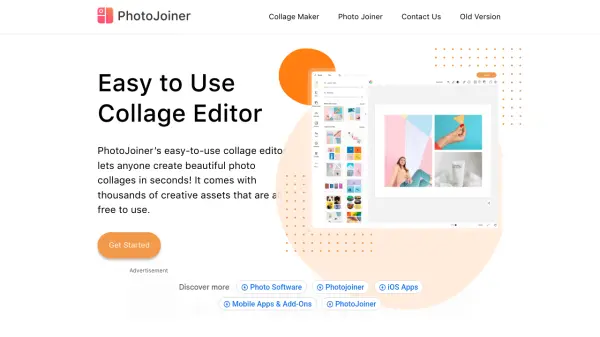
- Creating image collages for social media posts
- Designing marketing visuals with blended photo effects
- Preparing composite images for e-commerce platforms
- Combining personal photos for unique gifts
- Enhancing blog and website visuals with custom edits
FAQs
-
What image formats are supported for merging and editing?
ImgMerge supports popular image formats such as JPG, PNG, WebP, and AVIF for uploading and processing. -
Can I adjust the position and size of the overlay image?
Yes, users can fine-tune the overlay image's position, opacity, blend mode, and scale using intuitive slider controls. -
Is ImgMerge usable on mobile devices?
The tool features a responsive design, ensuring seamless functionality on desktops, tablets, and smartphones. -
What type of download format is provided after merging images?
Finished compositions can be downloaded instantly in high-quality PNG format.