What is Imagine AI?
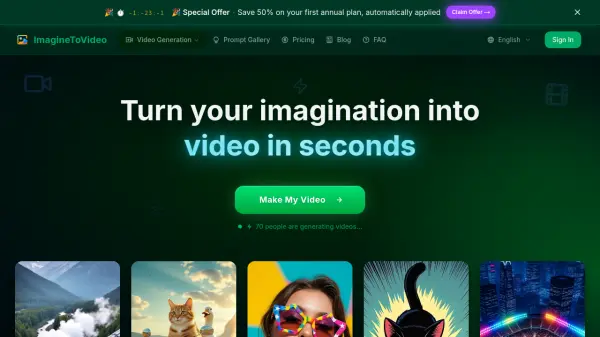
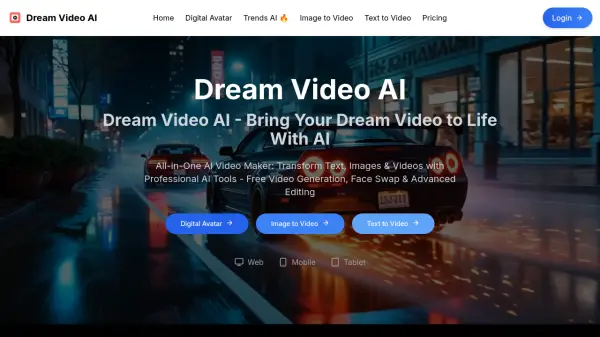
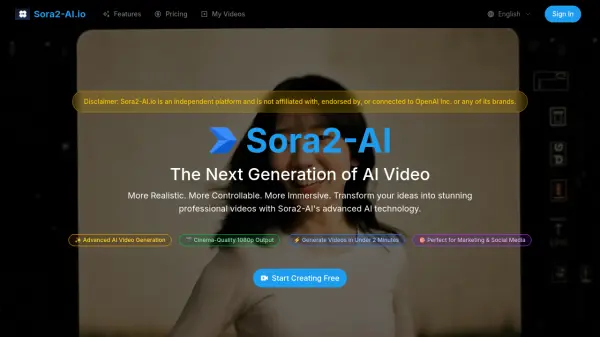
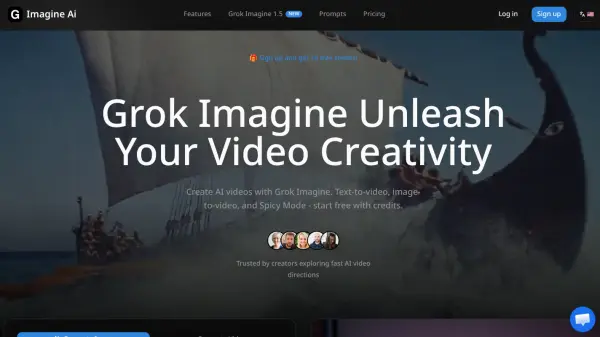
Imagine AI is a cutting-edge creative platform powered by xAI's proprietary Aurora engine, designed to transform text prompts and static images into dynamic, high-quality AI videos and images. With the ability to generate videos ranging from 6 to 30 seconds — complete with auto-generated background music and sound effects — the platform eliminates the need for complex post-production workflows. Creators can choose from three distinct creative modes: Normal for professional and commercial content, Fun for vibrant social media visuals, and Spicy for bold, expressive outputs that push creative boundaries.
The platform supports five image and five video aspect ratios, making it suitable for every major content platform, from TikTok and Instagram to YouTube and beyond. Its image-to-video conversion feature allows users to animate a static reference image into a cinematic clip, while the curated prompt library provides ready-to-use inspiration for both images and videos. With the introduction of Grok Imagine 1.5, the platform has further refined its image-to-video capabilities, delivering cinematic results ranked among the top performers in the Image-to-Video Arena.
Features
- Text-to-Video Generation: Create 6 to 30-second AI videos from text prompts with synchronized audio in seconds.
- Text-to-Image Generation: Produce photorealistic images powered by xAI's Aurora engine.
- Image-to-Video Conversion: Animate any static image into a dynamic cinematic video automatically.
- Three Creative Modes: Choose from Normal (professional), Fun (social media), or Spicy (bold and expressive) styles.
- Auto-Synced Audio: Videos are generated with automatically matched background music and sound effects.
- Multiple Aspect Ratios: Supports 5 image and 5 video ratios including 1:1, 9:16, and 16:9 for all platforms.
- Grok Imagine 1.5: A dedicated image-to-video model producing cinematic 1–15 second clips, ranked #1 on the Image-to-Video Arena.
- Curated Prompt Library: Browse and reuse ready-made image and video prompts with a single click.
Use Cases
- Generating social media video content from text descriptions
- Animating product images into promotional videos for e-commerce
- Creating TikTok and Instagram Reels content at scale
- Producing YouTube video clips and podcast visual content
- Generating AI images for marketing campaigns and brand assets
- Creating cinematic short videos for indie filmmakers
- Building a week's worth of social media content in minutes
- Expanding freelance design services to include AI video offerings
How It Works
Enter a Prompt or Upload an Image
Type a text description of the content you want to create, or upload a static image to use as the starting point for video generation.
Choose Your Mode and Aspect Ratio
Select a creative mode (Normal, Fun, or Spicy) and choose from 5 available aspect ratios to match your target platform.
Click Generate
Hit the Generate button and wait a few moments while the Aurora engine processes your request and creates the video or image.
Download Your Content
Once generation is complete, download your video with auto-synced audio or your image directly to your device.
FAQs
-
How long are the videos generated by Imagine AI?
Imagine AI supports video generation from 6 to 30 seconds, complete with synchronized audio. Grok Imagine 1.5 supports 1 to 15-second cinematic clips. -
What aspect ratios does Imagine AI support?
Imagine AI supports 5 image ratios (1:1, 2:3, 3:2, 9:16, 16:9) and 5 video ratios (1:1, 2:3, 3:2, 9:16, 16:9) to fit all major content platforms. -
What is the difference between Normal, Fun, and Spicy modes?
Normal mode delivers clear, balanced output ideal for professional and commercial content. Fun mode uses playful tones and animations great for social media. Spicy mode features bold colors and stylized lighting for more expressive, boundary-pushing creativity. -
Can I create videos from images with Imagine AI?
Yes. Users can upload a static image and the AI will automatically generate motion to create a dynamic video. Image-to-video supports Normal and Fun modes. -
Do Imagine AI generated videos include sound?
Yes. All generated videos include auto-generated background music and sound effects, requiring no additional post-processing.