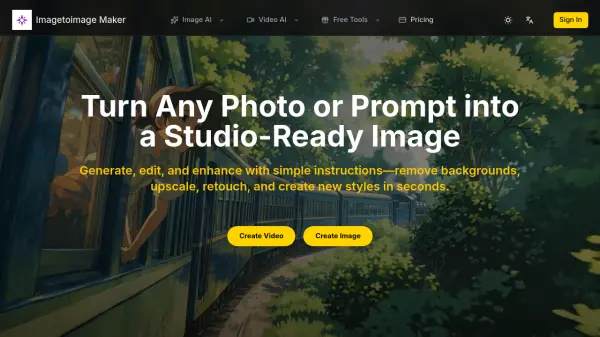
What is Imagetoimage Maker?
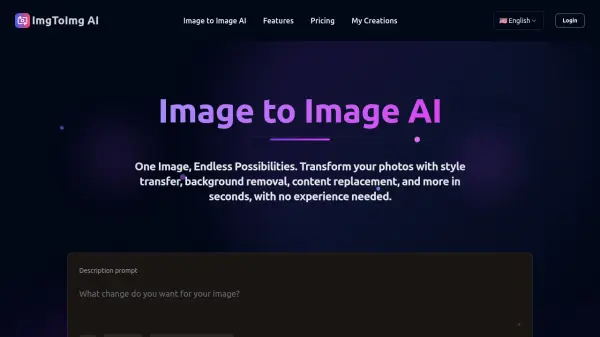
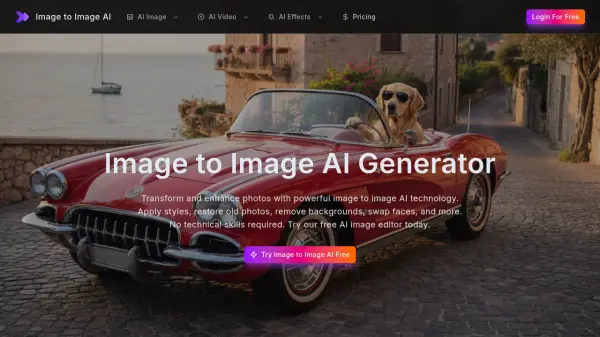
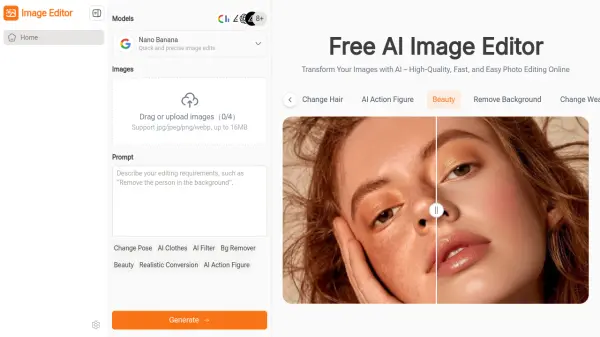
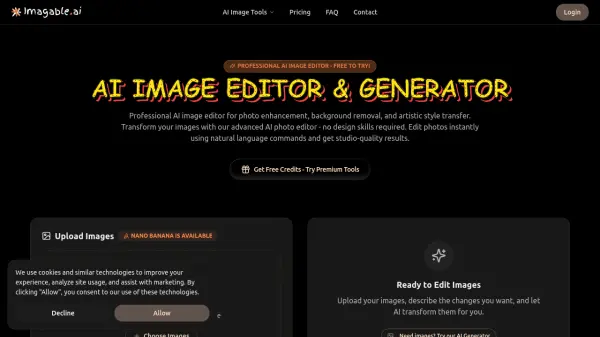
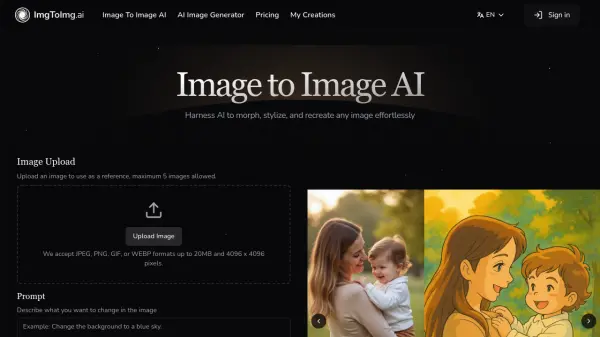
Imagetoimage Maker is an AI-powered image editing platform that enables users to generate, edit, and enhance images with simple instructions. It leverages cutting-edge artificial intelligence to provide professional-quality transformations, including background replacement, photo style transfer, upscaling, retouching, and animation. The tool supports various formats like JPG, PNG, and WebP, making it suitable for ecommerce, social media, marketing assets, and creative projects.
With features such as AI Object Remover, Image Extender, Photo Colorizer, and Image to Video capabilities, Imagetoimage Maker streamlines the editing process, reducing manual work and ensuring consistent results. It offers batch production options and is designed for both personal and commercial use, helping creators achieve studio-ready images efficiently.
Features
- AI Image Editor: Edit images with AI tools for refining skin, lighting, color, and background changes
- Background Changer: Remove or replace backgrounds in images for clean layouts and professional results
- AI Image Upscaler: Enhance image clarity and resolution by upscaling low-quality assets
- AI Object Remover: Eliminate distractions from images to create clean and focused visuals
- Image to Video: Animate images to create motion clips for intros, reels, and social ads
Use Cases
- Creating professional ecommerce hero images and product photos
- Enhancing social media portraits and marketing assets with consistent branding
- Restoring and colorizing archival or scanned prints for modern use
- Generating avatars, stickers, and campaign visuals for digital content
- Producing animated clips for social media ads, intros, and reels
FAQs
-
What is Image to Image Maker and how does it work?
Image to Image Maker is an AI-powered image editor that transforms photos or prompts into professional images through features like background removal, upscaling, and style creation, working in three steps: upload, edit with AI tools, and download. -
Is the AI image editor free to use?
The tool offers a freemium model with basic services available for free and advanced features requiring a paid subscription. -
What types of image transformations can I create?
Users can create transformations such as background replacement, style transfer, upscaling, retouching, colorization, unblurring, and animation. -
Can I use the AI image editor for commercial projects?
Yes, commercial usage rights are included in the Pro and Premium annual plans. -
What image formats does the image to image maker support?
It supports common formats including JPG, PNG, and WebP.