
What is Hurrayy?
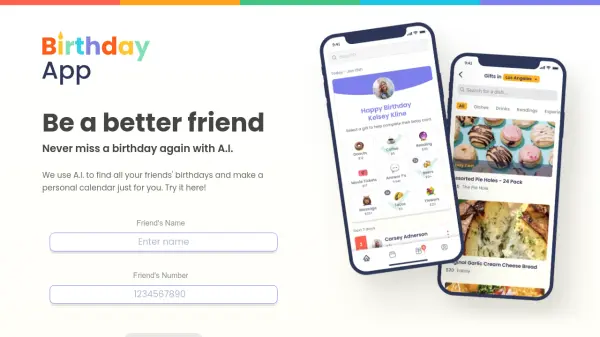
Hurrayy transforms birthday tracking into a fun group experience by leveraging AI to calculate combined ages and identify celebration milestones. The app allows users to create groups for family, friends, or colleagues, add birthdays securely, and receive automated notifications for both group milestones and individual birthdays.
Designed with simplicity and user-friendliness in mind, Hurrayy helps users stay connected and celebrate together without the hassle of manual tracking. It focuses on privacy with minimal data collection and aims for GDPR compliance, making it a reliable tool for organizing celebrations effortlessly.
Features
- Group Milestones: Celebrate every age milestone your group reaches together, such as 100, 500, or 1000 combined years
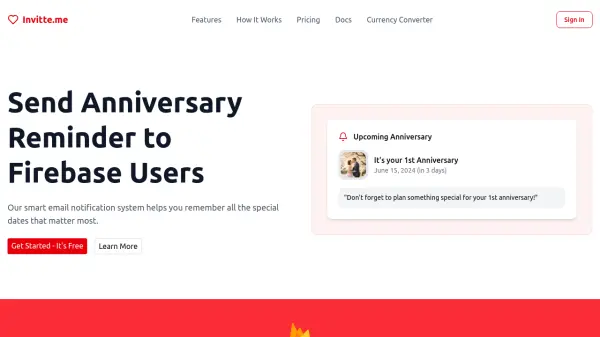
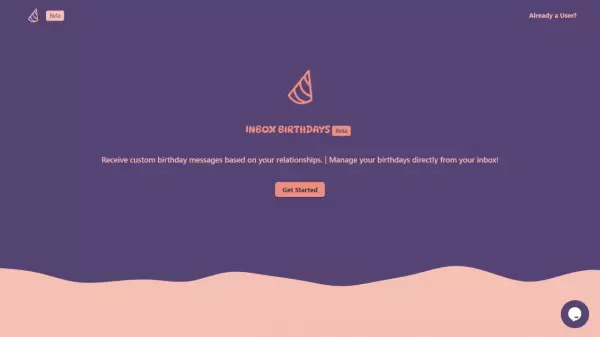
- Birthday Reminders: Never miss a friend's birthday with timely notifications for planning surprises
- Simple & Fun: User-friendly design for easy setup, group management, and notification receipt
Use Cases
- Tracking family birthdays and celebrating combined age milestones
- Organizing friend group celebrations with automated birthday reminders
- Managing colleague birthdays in a workplace for team bonding events
FAQs
-
How much does Hurrayy cost?
Hurrayy is 100% free for all users. -
Is my data safe?
Yes, your privacy is a priority. Hurrayy only asks for minimal information and is working towards full GDPR compliance. -
How do I get started?
Simply sign up, join or create a group, and start adding members to receive notifications.