Hitab favicon

Hitab
Customize Your Browser Homepage with Powerful Widgets

What is Hitab?

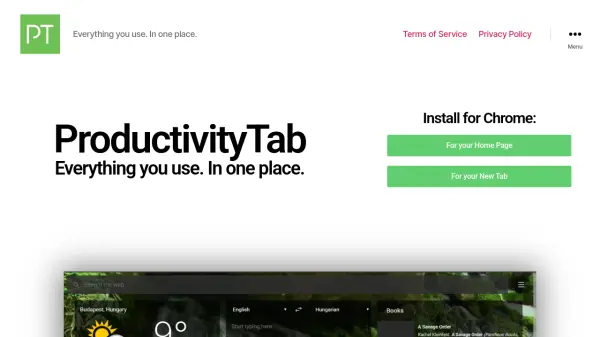
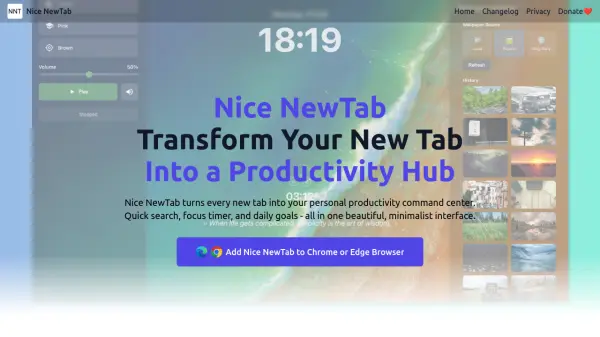
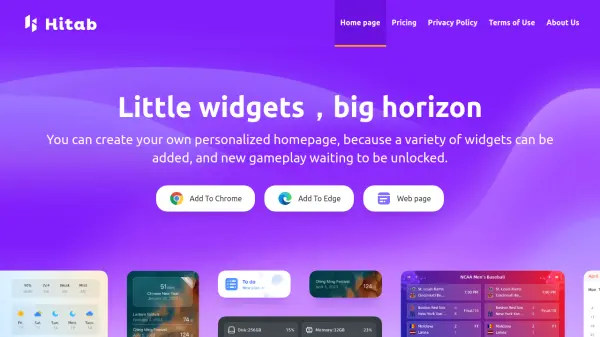
Hitab is a browser extension that transforms your new tab page into a personalized dashboard. It allows users to enhance their browsing experience by adding and arranging a variety of widgets.

With Hitab, you can freely customize your homepage and access information efficiently. The extension supports dragging and dropping widgets, enabling users to create a unique and functional layout.

Features

  • Customizable Widgets: Add and arrange widgets like notes, to-dos, weather, and more.
  • Drag and Drop Interface: Freely position widgets to create a personalized layout.
  • Site Icon Customization: Add frequently used site icons and customize their style.
  • Dock Bar: Quickly access favorite sites and tools.
  • HD Wallpapers: Choose from a vast selection of high-definition wallpapers.
  • Data Cloud Synchronization: Synchronize your settings.
  • Ad-Free Experience: Enjoy an uninterrupted experience with no advertisements.

Use Cases

  • Creating a personalized dashboard for daily tasks and information.
  • Quickly accessing frequently visited websites.
  • Organizing notes, to-do lists, and reminders.
  • Staying updated on weather, anniversaries, and countdowns.
  • Enhancing browser aesthetics with custom wallpapers.

Related Tools:

Blogs:

  • Top AI tools for Students

    Top AI tools for Students

    These AI tools are designed to enhance the learning experience for students. From personalized study plans to intelligent tutoring systems.

  • AI tools for video voice overs

    AI tools for video voice overs

    Discover the next level of video production with AI-powered voiceover tools. Enhance your content effortlessly, ensuring professional-quality narration for your videos.

  • Best AI tools for trip planning

    Best AI tools for trip planning

    These tools analyze user preferences, budget constraints, and destination details to provide personalized itineraries, suggest optimal routes, recommend accommodations, and even offer real-time updates on weather and local events.

  • Top 6 AI note-taking tools for 2026: in-person, online, and hybrid use cases

    Top 6 AI note-taking tools for 2026: in-person, online, and hybrid use cases

    Most AI note-taking lists are really lists of meeting bots, which join your video call and transcribe it. That's useful, but it's half the picture. Decisions happen in hallway conversations, client dinners, on-site visits, and hybrid rooms where nobody is on a video link. This guide covers different parts of the note-taking workflow: hardware capture for in-person settings, platform-native tools for online calls, and AI layers for organizing and synthesizing what you've captured. It compares six tools by capture context, workflow fit, pricing, and limitations.

Didn't find tool you were looking for?

Be as detailed as possible for better results