What is Daily View Tab?
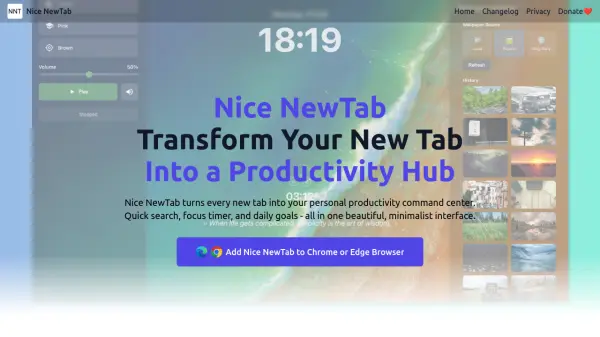
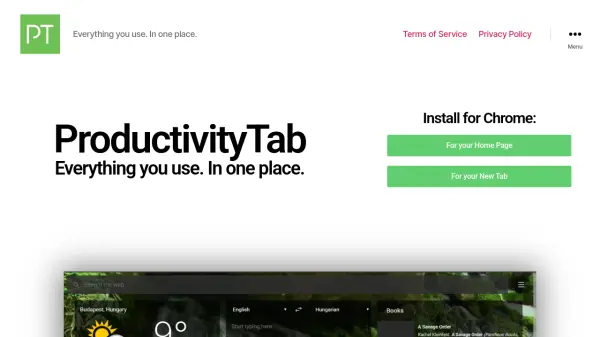
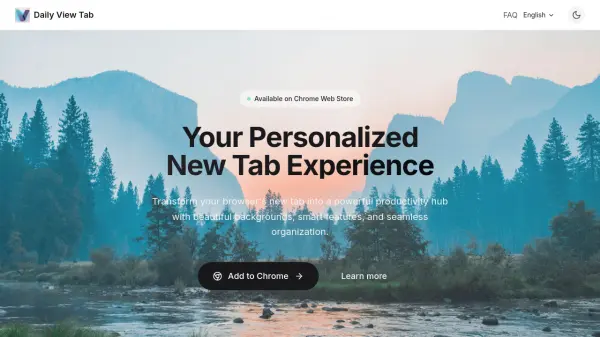
Daily View Tab revolutionizes the Chrome new tab experience by providing users with a suite of productivity tools integrated directly into their browser. Enjoy daily high-quality backgrounds sourced from Unsplash, a minimalist Zen Mode for reduced distractions, and the ability to seamlessly switch search engines for efficient searching. The extension offers real-time weather updates, a 'Word of the Day' to enrich your vocabulary, and a bookmarked bar to keep important links at your fingertips. Users can take notes, manage their time with a Pomodoro timer, and enjoy a comfortable viewing experience with Dark Mode, all while ensuring maximum privacy and minimal permissions.
This extension is designed for users who seek organization and efficiency, turning every new tab into a visually pleasing and functional workspace that keeps essential information and tools just a click away. Daily View Tab requires no intrusive permissions and never collects or shares user data, supporting a private and secure online workflow.
Features
- Stunning Backgrounds: Features daily high-quality images from Unsplash.
- Zen Mode: Provides a minimalist, distraction-free design.
- Smart Search: Allows seamless switching between multiple search engines.
- Weather Forecast: Offers real-time weather updates for effective planning.
- Word of the Day: Shows a new vocabulary word daily.
- Bookmark Bar: Restores Chrome's default bookmark bar on new tabs.
- Notes: Lets users quickly capture ideas and to-dos.
- Pomodoro Timer: Integrates time management for focus sessions.
- Dark Mode: Enables automatic theme switching for eye comfort.
Use Cases
- Enhancing browser aesthetics with daily inspirational backgrounds.
- Increasing productivity by capturing notes and managing todos quickly.
- Switching search engines efficiently without leaving the tab.
- Tracking daily weather conditions before starting work.
- Expanding vocabulary with a new word each day.
- Boosting focus with an integrated Pomodoro timer.
- Restoring bookmark access for quick link retrieval.
- Reducing eye strain through automatic dark mode transitions.
FAQs
-
Does Daily View Tab collect personal information?
No, Daily View Tab requires minimal permissions to function and does not collect or share any personal information. -
How do I install Daily View Tab on my browser?
Daily View Tab can be installed directly from the Chrome Web Store. -
Can I switch between different search engines in the new tab?
Yes, Daily View Tab allows users to seamlessly switch between multiple search engines.