What is Hackertab?
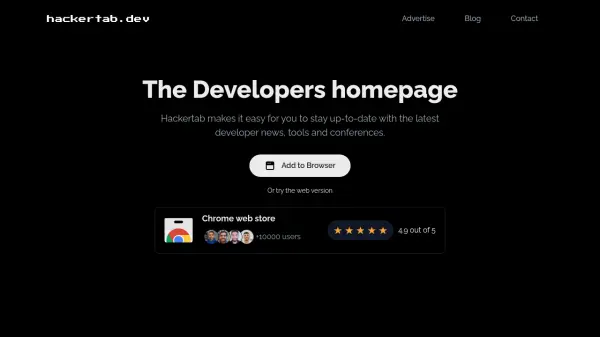
Hackertab serves as a centralized dashboard for developers, aggregating news, tools, and events from over 50 sources. It offers personalized content curation based on user interests, leveraging AI to highlight the most relevant articles. The platform is privacy-focused, does not track users, and is available as a free, open-source browser extension for Chrome, Firefox, Brave, and Edge. Features include bookmarking, dark mode, and a clean interface designed to minimize distractions and improve productivity.
Features
- Personalized by interests: Tailors content specifically to what developers are interested in.
- AI curated content: Uses AI to select the best articles from 50+ sources.
- Bookmark: Save favorite links in a visually appealing bar for easy access.
- No tracking: Privacy first tool, does not collect or sell personal data.
- Free & Open source: Totally free and available as an open source project.
- Dark mode: Adapted for better concentration with a dark theme.
Use Cases
- Staying updated with the latest developer news.
- Discovering new developer tools and conferences.
- Curating a personalized feed of tech articles.
FAQs
-
Is Hackertab free to use?
Yes, Hackertab is totally free and open source. -
Which browsers does Hackertab support?
Hackertab is available as a browser extension for Chrome, Firefox, Brave, and Edge. -
Does Hackertab track my data?
No, Hackertab is a privacy-first tool and does not collect or sell any personal data. -
Can I customize the content I see?
Yes, Hackertab offers personalized content based on your interests, curated by AI from over 50 sources.