What is GPT Create Image?
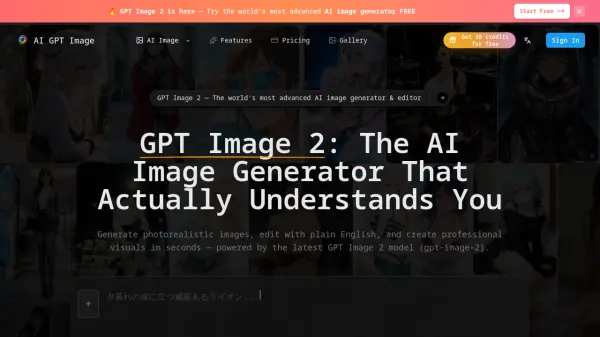
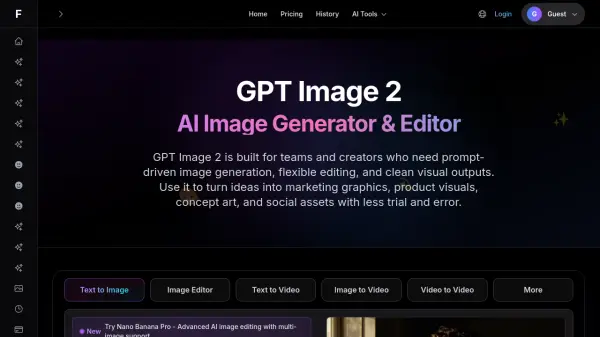
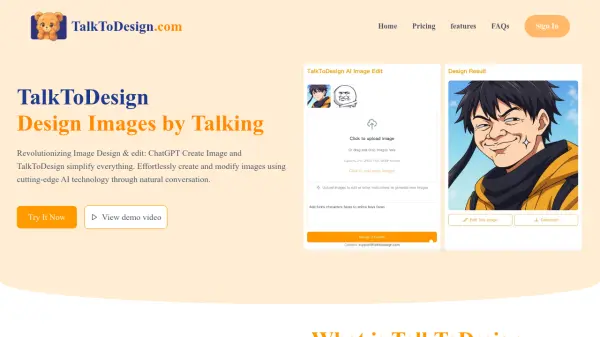
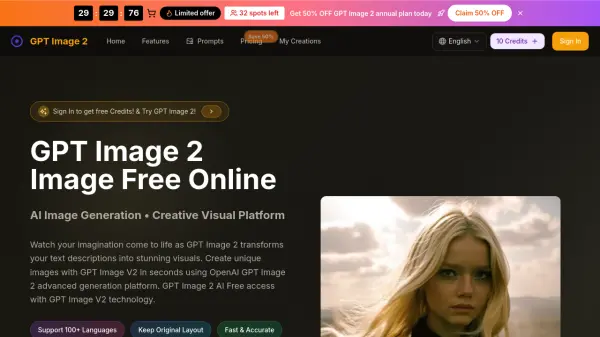
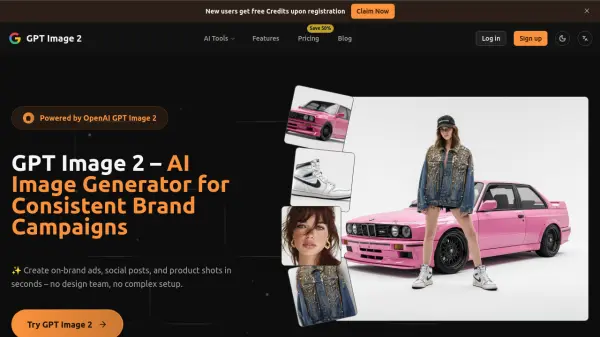
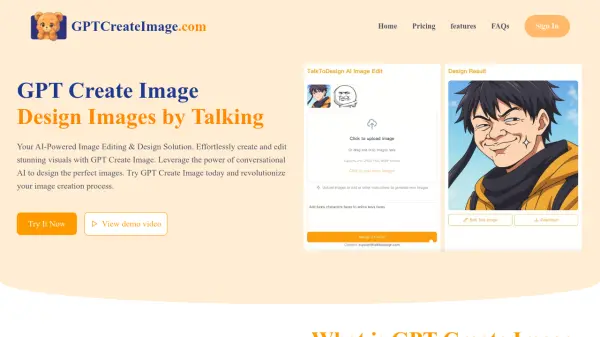
GPT Create Image delivers an innovative approach to image creation and editing by combining advanced AI technology with an intuitive, conversational interface. Users can easily generate professional-quality visuals by describing their creative ideas or desired changes in plain English, making sophisticated image editing accessible to everyone. The platform is designed to understand natural language instructions, enabling both the creation of new images from scratch and the modification of existing visuals.
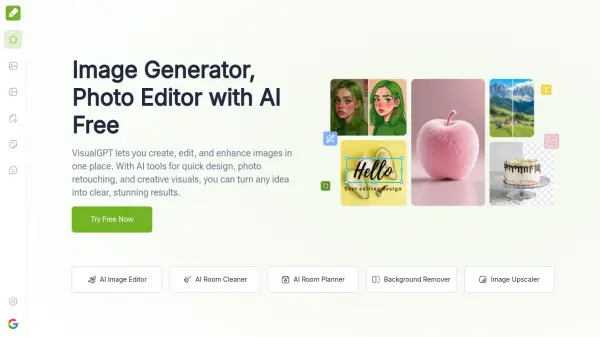
With GPT Create Image, individuals and professionals can conduct a wide variety of image edits, such as background removal, object insertion, style transfers, and color adjustments, simply by typing their requests. The powerful underlying AI ensures accuracy and fine-tuned results, revolutionizing the way users interact with visual design tools and streamlining workflows across business, content creation, education, and more.
Features
- Conversational Image Editing: Modify images using plain English prompts.
- Image Creation from Text: Generate entirely new visuals from written descriptions.
- Professional-Quality Results: Achieve polished and high-resolution images suitable for various applications.
- Wide Edit Capabilities: Perform background removal, object insertion, color adjustment, and style transfers.
- Unlimited Image History: Access your entire design history without restrictions.
- Commercial Use Allowed: Use created visuals for both personal and business purposes.
- No Design Skills Needed: User-friendly for those without technical or design expertise.
Use Cases
- Quickly generate unique marketing visuals for business presentations.
- Edit and enhance social media graphics through conversational commands.
- Produce professional-quality infographics, diagrams, or project illustrations for academic projects.
- Support HR departments in designing recruitment and training materials.
- Assist customer support teams in visually enhancing customer communication.
- Empower non-native English speakers to easily create or edit images without language barriers.
FAQs
-
What types of edits can GPT Create Image perform?
GPT Create Image supports a wide range of editing capabilities, including background removal, object insertion, style transfers, color adjustments, and more—all through simple conversational instructions. -
Can GPT Create Image generate new images from text descriptions?
Yes, GPT Create Image can create completely new visuals from text inputs, in addition to editing existing images. -
Is GPT Create Image suitable for professional use?
Absolutely. The platform is designed for both professionals and casual users, enabling the creation of high-quality visual content efficiently. -
How do I use GPT Create Image to edit an image?
Users can upload an image and then describe the desired changes in plain English; the platform will transform the image based on those instructions.