What is GPT Image 2?
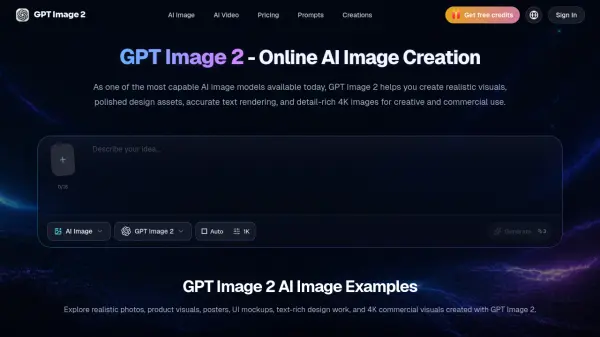
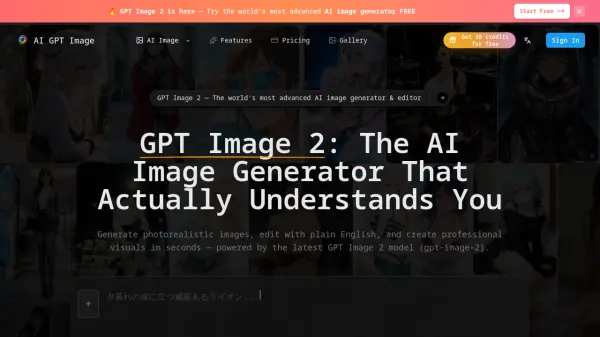
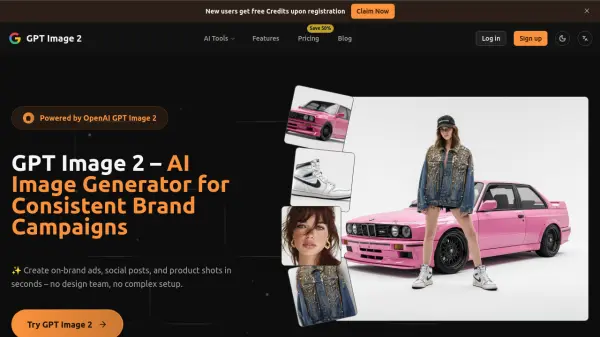
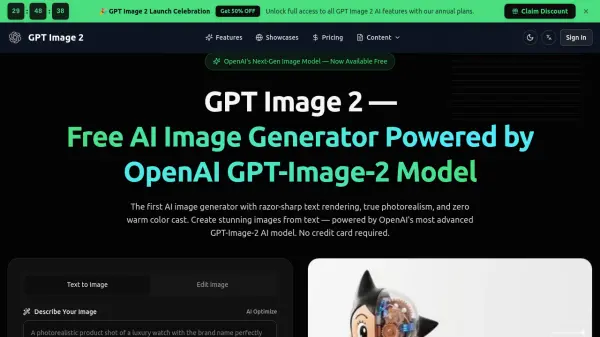
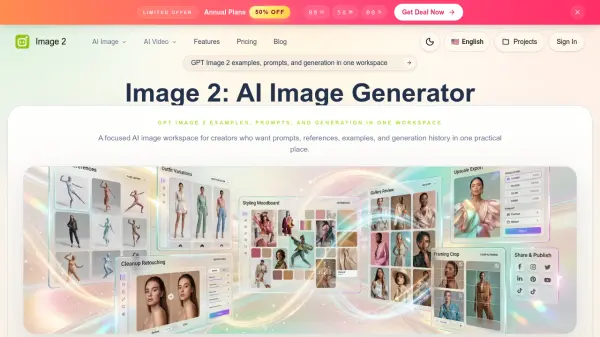
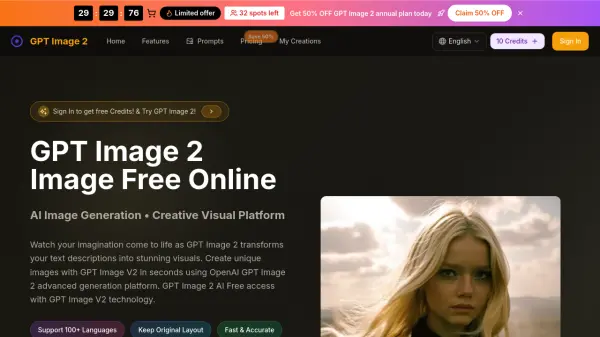
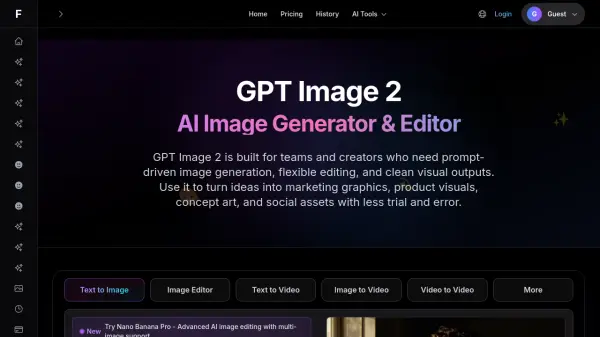
GPT Image 2 is an AI image generation and editing platform designed for teams and creators who require efficient, prompt-driven visual content production. The tool specializes in converting natural language descriptions into usable graphics for marketing campaigns, product visualization, concept art, and social media assets. Built with a focus on practical application rather than experimental outputs, it streamlines the workflow from initial concept to final deliverable.
The platform features an editing-friendly workflow that allows users to refine generated images through follow-up instructions without rebuilding concepts from scratch. Users can adjust backgrounds, objects, framing, mood, color direction, and overall style while maintaining consistency with their original creative brief. This approach proves particularly valuable for design exploration, campaign testing, and content production where speed and iterative refinement are essential for meeting project deadlines and creative standards.
Features
- Natural Language Prompting: Generate images by describing scenes, styles, and layouts in plain language
- Iterative Editing Workflow: Adjust backgrounds, objects, framing, and colors through follow-up instructions without rebuilding concepts
- Style Control: Direct lighting, camera angles, composition, mood, and color palette for precise creative output
- Marketing Asset Generation: Create social graphics, landing page visuals, blog illustrations, ad concepts, and product storytelling assets
- Team Collaboration: Fast iteration from concept to reviewable images for design exploration and campaign testing
- Dual Style Support: Generate both realistic product scenes and stylized creative directions based on prompt guidance
Use Cases
- Creating marketing graphics and promotional visuals for advertising campaigns
- Generating product mockups and visualization for e-commerce presentations
- Designing social media content and thumbnails for digital platforms
- Producing blog feature images and editorial illustrations for content marketing
- Developing concept art and creative directions for design projects
- Building hero images and landing page visuals for websites
- Creating ad creatives for testing and campaign optimization
How It Works
Describe the Image Brief
Write what should appear in the image, who or what is the main subject, what style you want, and where the image will be used. Examples include premium skincare products on marble counters, cinematic sci-fi scenes, or clean SaaS hero images.
Add Constraints and Style Direction
Improve the prompt with composition guidance, color palette, camera framing, mood, and elements to avoid. Specify centered compositions, warm color palettes, and any unwanted elements for better control over outputs.
Generate, Review, and Edit
Generate the first result, review what matches or differs from the brief, then use targeted edits to improve subject clarity, layout, or styling. Make specific changes like adjusting backgrounds, enhancing readability, or shifting style direction.
FAQs
-
What is GPT Image 2 used for?
GPT Image 2 is used for AI image generation and image editing. Common use cases include marketing creatives, product visuals, blog illustrations, thumbnails, concept art, and fast design exploration. -
Is GPT Image 2 good for image editing?
Yes. GPT Image 2 style workflows are useful when you want to keep the core concept and adjust specific parts of the image such as the background, subject details, color mood, or composition. -
How do I get better GPT Image 2 prompts?
Describe the subject first, then add style, lighting, camera angle, composition, and any elements to avoid. Short prompts can work, but clear constraints usually produce more reliable results. -
Can GPT Image 2 help with marketing images?
Yes. It is useful for ad mockups, hero visuals, promotional graphics, social content, and branded concept images where you need speed and multiple creative directions. -
Does GPT Image 2 work for both realistic and stylized images?
Yes. Prompt-based image workflows can support realistic product scenes, portraits, editorial visuals, illustrations, and more stylized creative directions depending on the prompt and edit guidance.