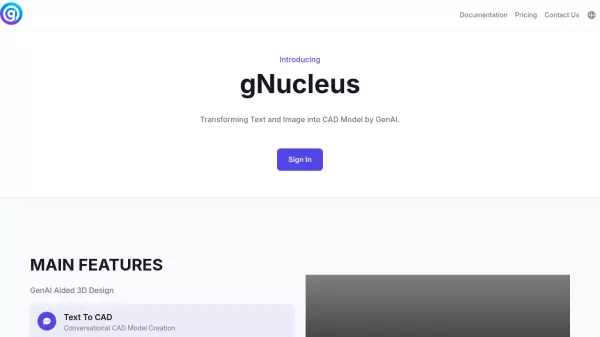
gNucleus AI favicon

gNucleus AI
AI-Powered CAD Design Platform for Rapid 3D Model Creation

What is gNucleus AI?

gNucleus AI revolutionizes the CAD design process by leveraging artificial intelligence to generate professional-grade 3D models from various input sources. The platform supports multiple CAD formats including FreeCAD, Step, Iges, STL, and GLTF, making it versatile for different industrial applications.

Through its innovative approach to parametric design, the platform enables automated assembly generation from spreadsheets, images, PDFs, and Bills of Materials (BOMs). This comprehensive solution dramatically reduces design time while maintaining precision and customization options.

Features

  • Text to CAD: Convert textual descriptions into precise CAD models
  • Image to CAD: Transform images and PDFs into 3D CAD models
  • Parametric Design: Fully driven by parametric modeling principles
  • Multi-format Support: Generate models in FreeCAD, Step, Iges, STL, GLTF formats
  • Assembly Generation: Create assemblies from spreadsheets, images, PDFs, and BOMs
  • Conversational Interface: Interactive CAD model creation through natural language

Use Cases

  • Rapid prototyping of mechanical parts
  • Converting technical drawings to 3D models
  • Automated assembly design from documentation
  • Manufacturing process optimization
  • Product design iteration
  • Engineering documentation conversion

FAQs

  • What file formats does gNucleus AI support?
    gNucleus AI supports multiple CAD formats including FreeCAD, Step, Iges, STL, and GLTF formats.
  • How much faster is gNucleus AI compared to manual CAD design?
    gNucleus AI can create CAD models 10 times faster than traditional manual methods.
  • What types of input can be used to generate CAD models?
    The platform can generate CAD models from text descriptions, images, PDFs, spreadsheets, and Bills of Materials (BOMs).

Related Queries

Helpful for people in the following professions

Related Tools:

Blogs:

  • Best AI tools for Lawyers

    Best AI tools for Lawyers

    streamline legal processes, enhance research capabilities, and improve overall efficiency in the legal profession.

  • Top AI tools for Students

    Top AI tools for Students

    These AI tools are designed to enhance the learning experience for students. From personalized study plans to intelligent tutoring systems.

  • Top 6 AI note-taking tools for 2026: in-person, online, and hybrid use cases

    Top 6 AI note-taking tools for 2026: in-person, online, and hybrid use cases

    Most AI note-taking lists are really lists of meeting bots, which join your video call and transcribe it. That's useful, but it's half the picture. Decisions happen in hallway conversations, client dinners, on-site visits, and hybrid rooms where nobody is on a video link. This guide covers different parts of the note-taking workflow: hardware capture for in-person settings, platform-native tools for online calls, and AI layers for organizing and synthesizing what you've captured. It compares six tools by capture context, workflow fit, pricing, and limitations.

  • AI Testimonial Videos: How to Build Social Proof That Actually Converts

    AI Testimonial Videos: How to Build Social Proof That Actually Converts

    AI testimonial videos are transforming marketing in 2026 by helping businesses create professional customer-style videos quickly and affordably. Using real customer reviews, short scripts, and AI tools like Pollo AI, brands can produce engaging testimonials for social media, landing pages, and ads while saving time and improving conversions.

Didn't find tool you were looking for?

Be as detailed as possible for better results