What is Glitch?
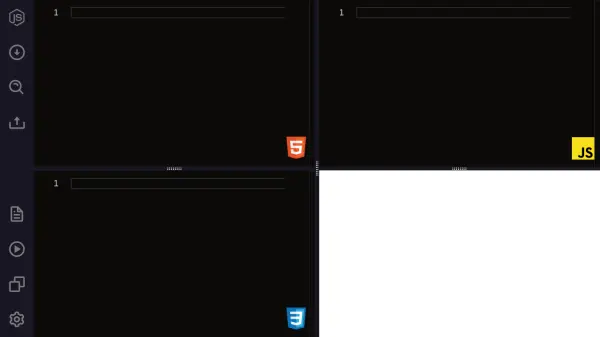
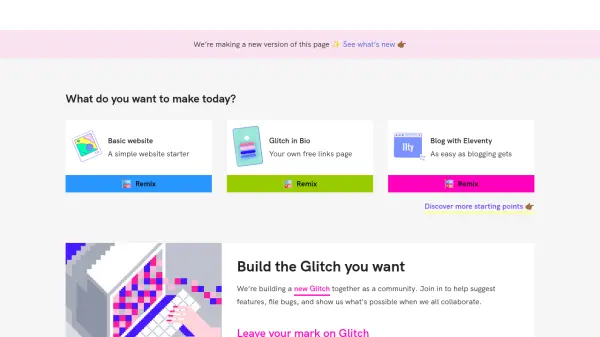
Glitch provides a streamlined environment for web development directly within the browser, eliminating complex setup processes. It enables users to start coding instantly, fostering rapid creation and deployment of full-stack web applications. The platform emphasizes collaboration, allowing multiple users to code together in real-time.
A key aspect of Glitch is its 'remixing' feature, which permits developers to clone and build upon existing projects shared by the community. This accelerates development and encourages learning through shared code. Projects are automatically deployed, making hosting simple and accessible for developers of all skill levels looking to bring their web ideas to life.
Features
- In-browser IDE: Code directly in the web browser with no setup required.
- Instant Deployment: Web applications are automatically deployed and hosted.
- Remixing Feature: Start new projects by cloning and modifying existing community projects.
- Real-time Collaboration: Work simultaneously with others on the same codebase.
- Community Showcase: Discover, share, and get inspired by projects from other users.
- Full-Stack Support: Build both front-end (HTML, CSS, JS) and back-end (Node.js) applications.
- Version Control: Integrated Git support for managing code versions.
- Project Import: Import code repositories from platforms like GitHub.
Use Cases
- Rapidly prototyping web applications and APIs.
- Learning and teaching web development concepts.
- Collaborating on coding projects in teams or groups.
- Building and hosting simple websites, bots, or tools.
- Creating interactive demos and educational tutorials.
- Experimenting with new JavaScript frameworks and web technologies.
- Hosting small personal projects or portfolio sites.
FAQs
-
What programming languages and frameworks are supported on Glitch?
Glitch primarily supports Node.js for backend development and standard front-end technologies like HTML, CSS, and JavaScript. It accommodates various Node.js frameworks and libraries, as well as static site generators. -
Can I import projects from GitHub?
Yes, Glitch allows you to import code repositories directly from GitHub to start your project. -
How are Glitch projects hosted?
Glitch projects are automatically hosted and deployed on the platform. Free projects sleep after 5 minutes of inactivity, while paid plans offer always-on hosting and other benefits. -
Is it possible to add a custom domain to my Glitch project?
Yes, custom domains can be added to Glitch projects, typically requiring a paid subscription plan (Glitch Pro). -
What are the limitations of the free tier on Glitch?
The free tier includes limitations such as projects sleeping after inactivity, restricted storage space and memory, and fewer project hours compared to the paid Pro plan.