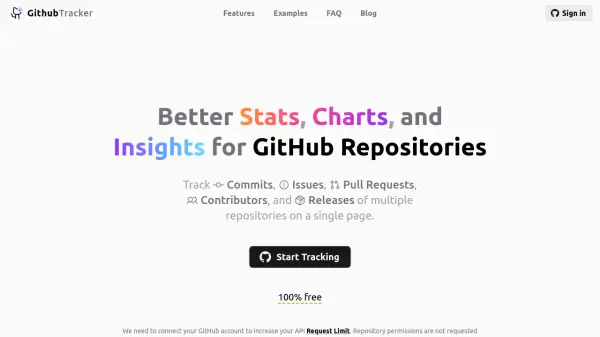
What is GithubTracker?
GithubTracker serves as a repository analytics tool designed to augment GitHub's internal statistics, providing an improved developer experience. It offers comprehensive tracking of key metrics such as commits, issues, pull requests, contributors, and releases for multiple repositories, all accessible from a unified interface.
The tool features detailed repository overviews with hyperlinks to GitHub for quick access, along with visualizations of development activity through charts and insights. Users can organize repositories into collections, exclude bot commits from statistics, and utilize shortcuts by modifying GitHub URLs to access analytics directly.
Features
- Repo Quick Stats: Track repository commits, issues, PRs, contributors, releases, etc.
- Repo Collections: Organize and track multiple repositories with collections
- Repo Insights: Charts of the most important repository metrics
- Exclude Bots: Remove bot commits from the statistics (dependabot, etc.)
- Dark Mode: Escape photon death in after dark sessions
- Save / Load: Save your collections to local files and share them with friends
- File Drop: Import repo lists from package.json and requirements.txt files
Use Cases
- Monitoring development activity across multiple GitHub repositories
- Analyzing repository metrics such as commit rates and issue lifetimes
- Organizing repositories into collections for better project management
- Excluding bot contributions to focus on human developer statistics
- Sharing repository analytics with team members or stakeholders
FAQs
-
Are there any hidden costs?
No, GithubTracker is 100% free with no hidden costs. -
Can I track private repositories?
Yes, you can track private repositories by enabling this option in the settings after connecting your GitHub account. -
Are other providers like GitLab and BitBucket supported?
No, GithubTracker currently only supports GitHub repositories. -
How can I contribute?
Contributions are welcome; check the GitHub repository or contact the developer for more details.