What is Gista?
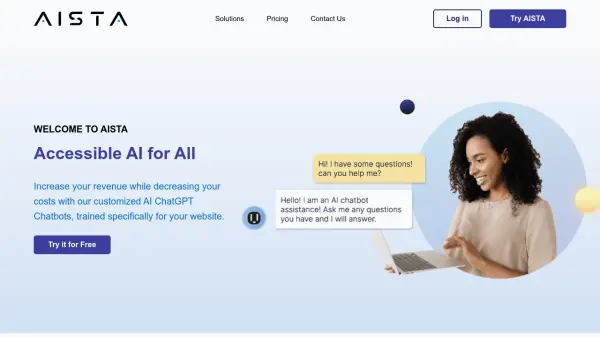
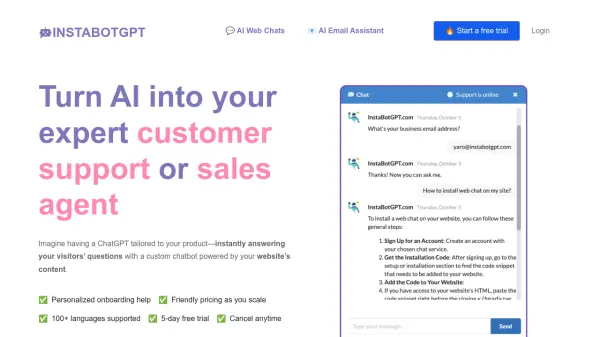
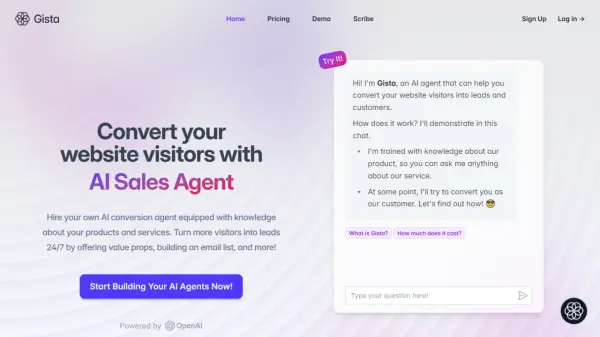
Gista empowers businesses to enhance website engagement and lead generation. The AI agent is equipped with comprehensive knowledge of products and services, interacting with visitors around the clock.
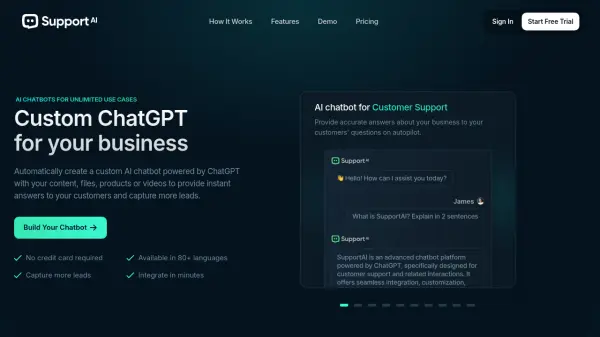
Easily integrate with existing platforms and customize the AI agent's tone and language preferences. Gista supports up to 80 languages for international clientele and offers a seamless, branded integration with a sleek, translucent chatbot widget.
Features
- Instant Setup: Learn about your business by uploading documents in PDF, CSV, or other text formats.
- Personalized Instructions: Configure the AI agent's tone and style.
- Multilingual Support: Chatbot speaks 80 languages.
- Seamless Integration: Sleek, translucent chatbot widget that integrates with your brand.
- Platform Integration: Compatible with platforms like Squarespace.
Use Cases
- Replacing lead generation forms with an interactive AI agent.
- Providing 24/7 customer support and engagement.
- Building an email list through interactive conversations.
- Offering value propositions to potential customers.
- Supporting international clientele with multilingual capabilities.
FAQs
-
How does Gista learn about my business?
Gista learns about your business by uploading knowledge in the form of PDF, CSV, or other text formats. -
Can I customize the AI agent's communication style?
Yes, you can configure your AI agent with precise instructions, tailoring the tone and style to your preferences. -
Does Gista support multiple languages?
Yes, Gista's chatbot speaks 80 languages. -
What platforms does Gista integrate with?
Gista integrates with platforms like Squarespace.